
Building blocks
Place a whole cell, one chart, or a single number wherever you need it. Each one traces back to the cell that computed it.


Use your notebook's outputs as building blocks. Place a chart, a table, or a single number in a web page, a slide deck, or a paper, and keep all of your Python in the notebook.
Place a whole cell, one chart, or a single number wherever you need it. Each one traces back to the cell that computed it.
Start from HTML, React, Svelte, Quarto, Typst, or LaTeX. You can bring any other framework or tool with a view provider.
Ask a coding agent for a view, then point at any part of it, even a figure in a PDF, to show the agent what to change.
Serve your view with live Python, run Python in your reader's browser, or export saved results to any static host.
You name the notebook results each document needs, and Studio places them: a whole cell with its controls, one output such as a figure, or a value that you format yourself. The same results can land in a live page and in a typeset PDF:


How Studio works shows how a page receives your notebook's results.
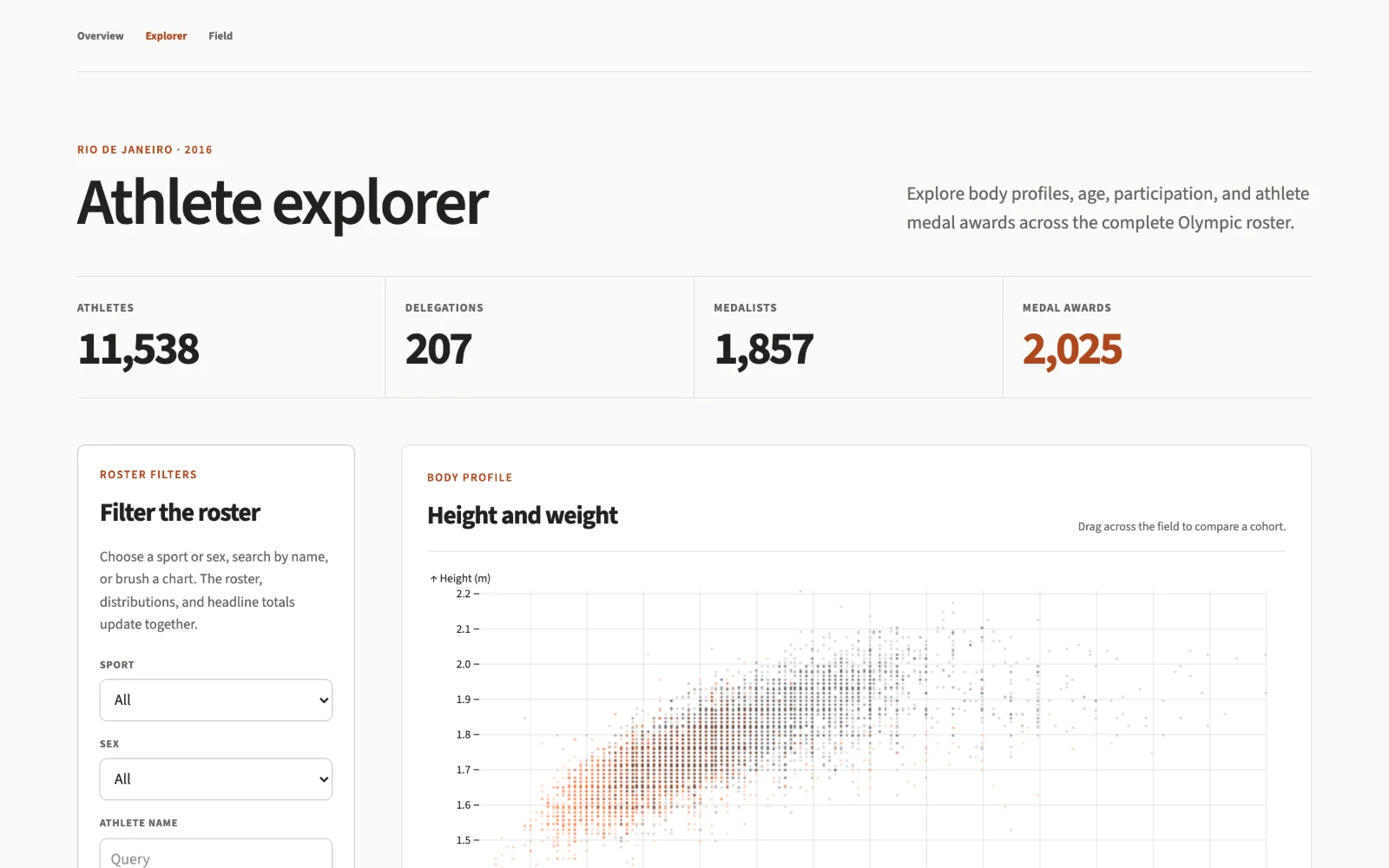
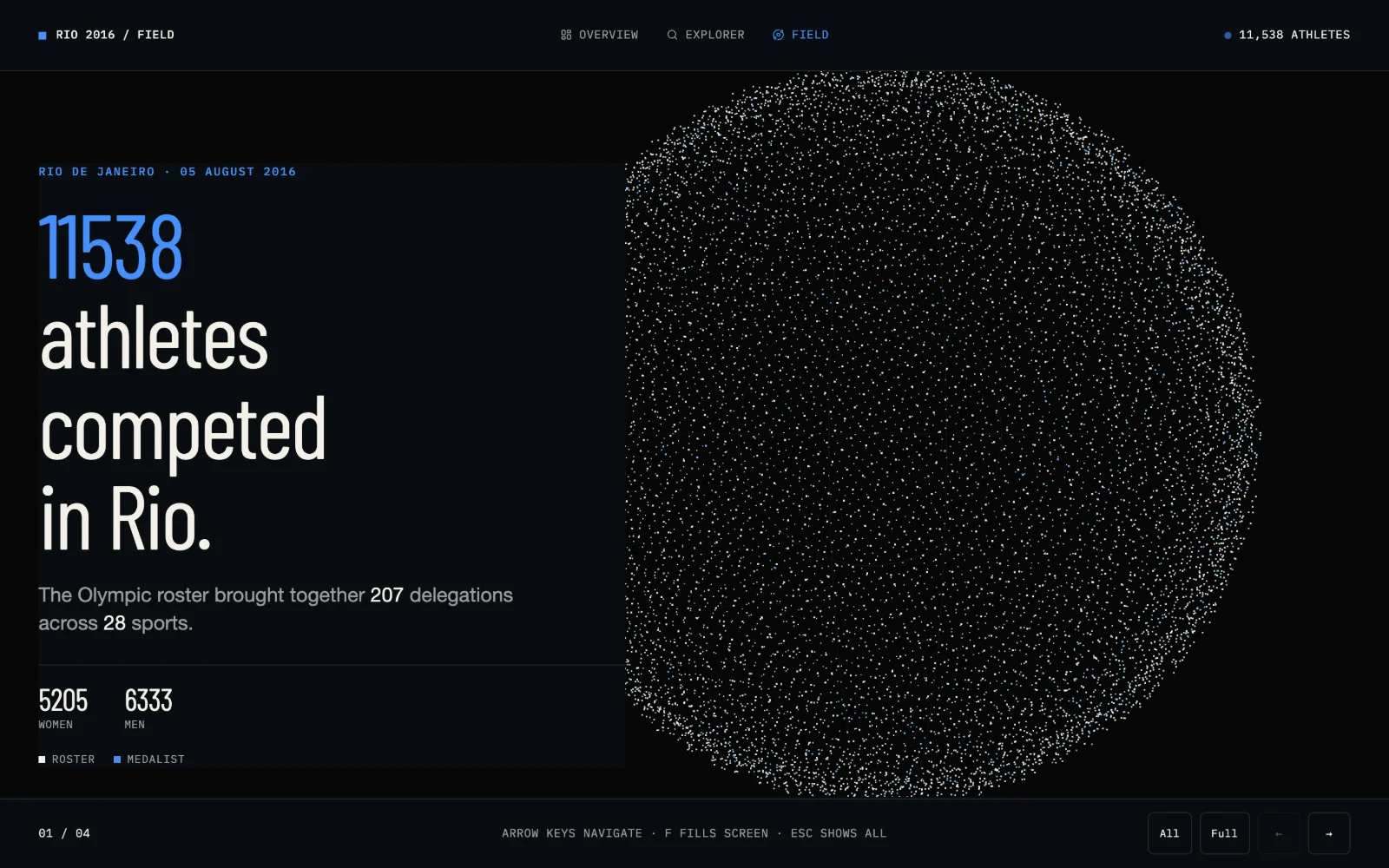
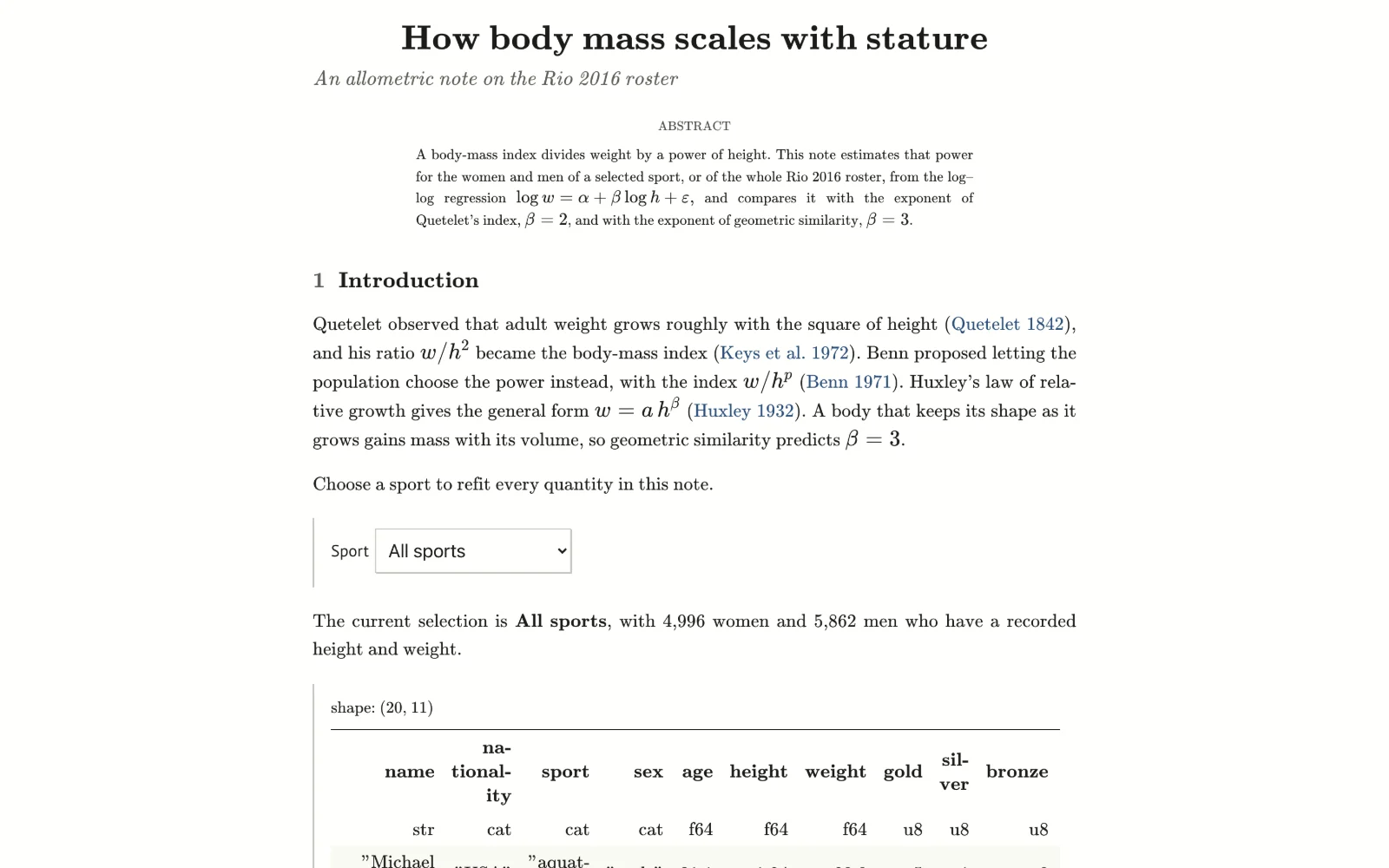
Each example notebook backs four views, from slide decks and linked explorers to journal papers typeset with LaTeX. Open one to compare it with its siblings and the notebook behind them.
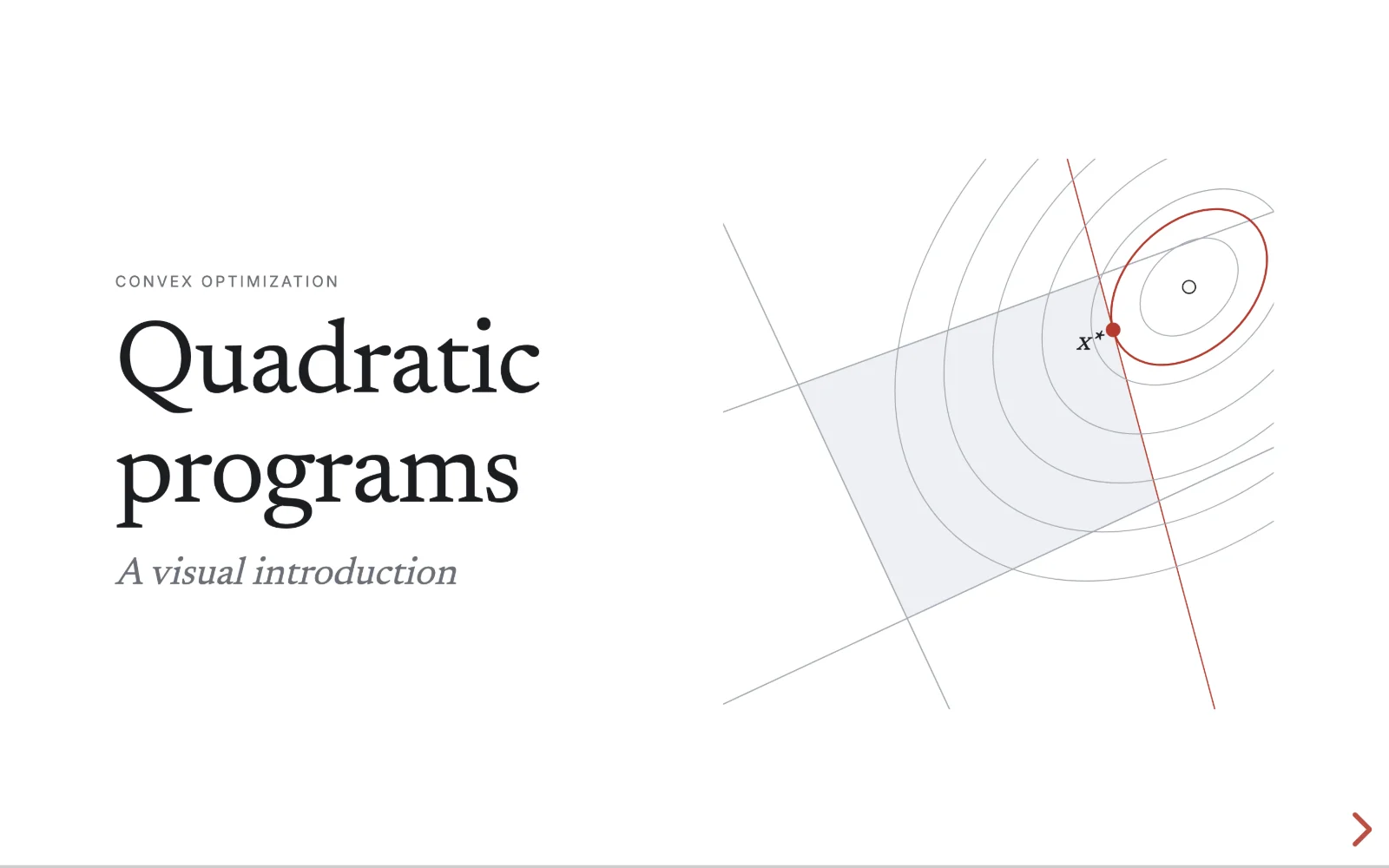
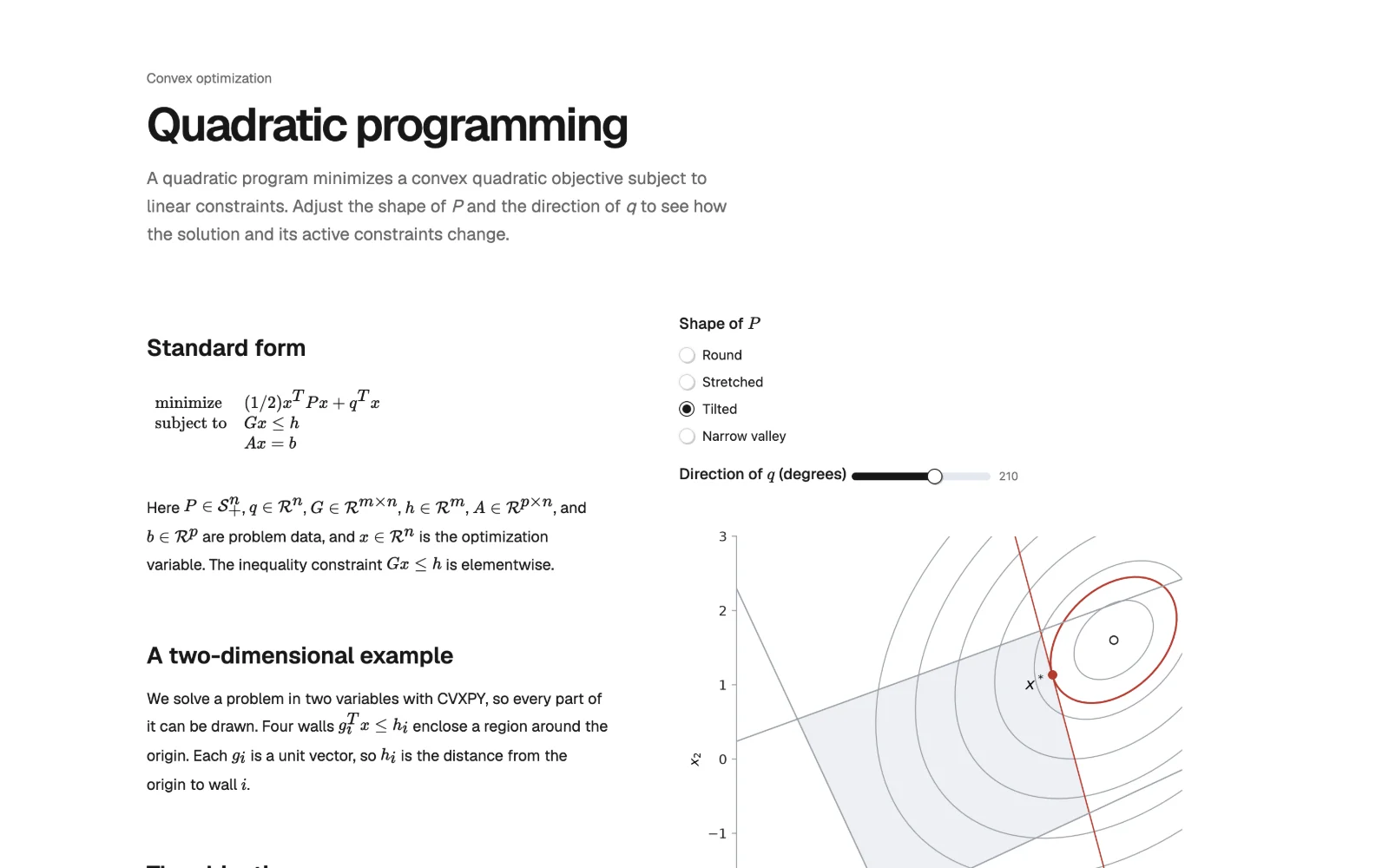
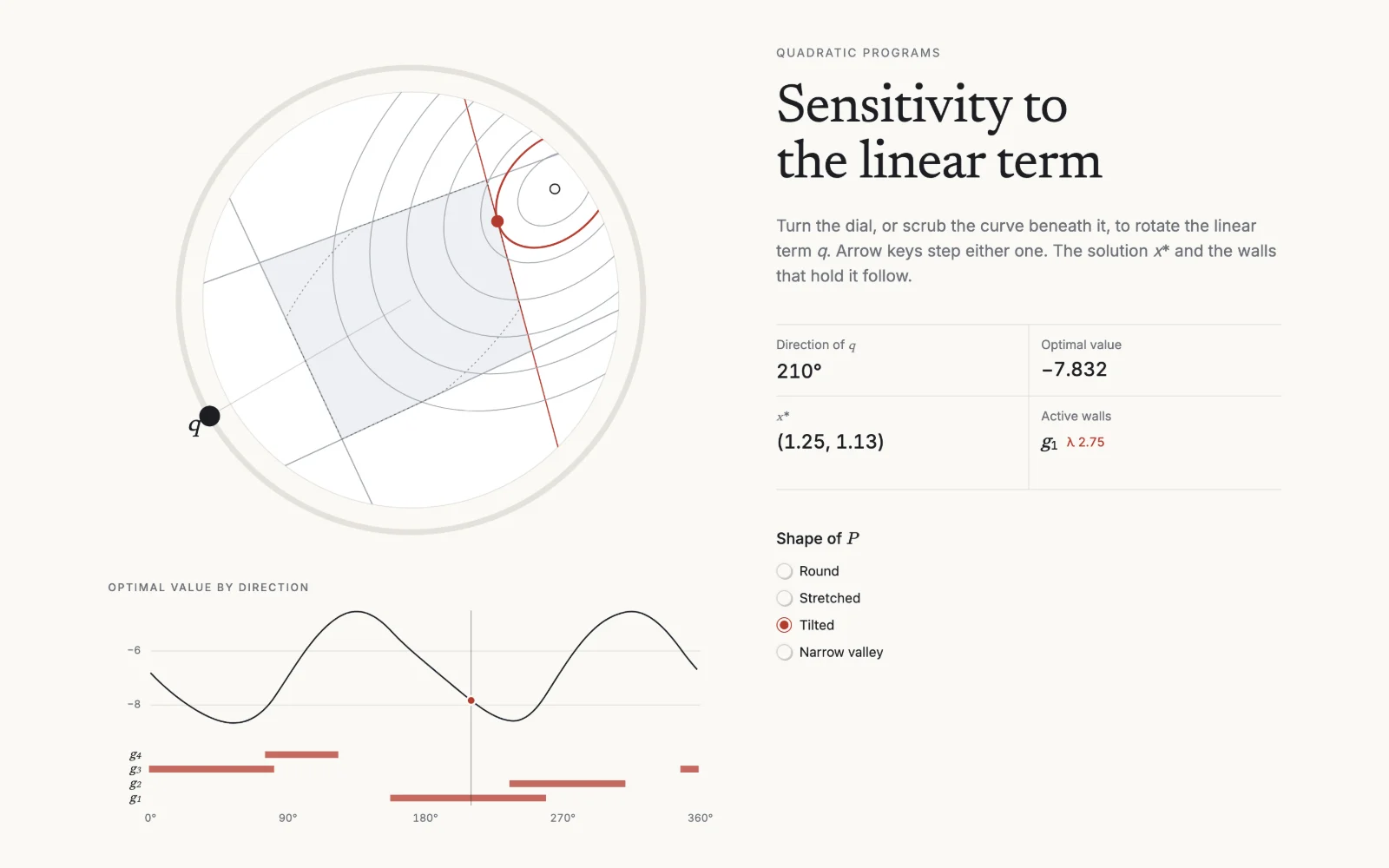
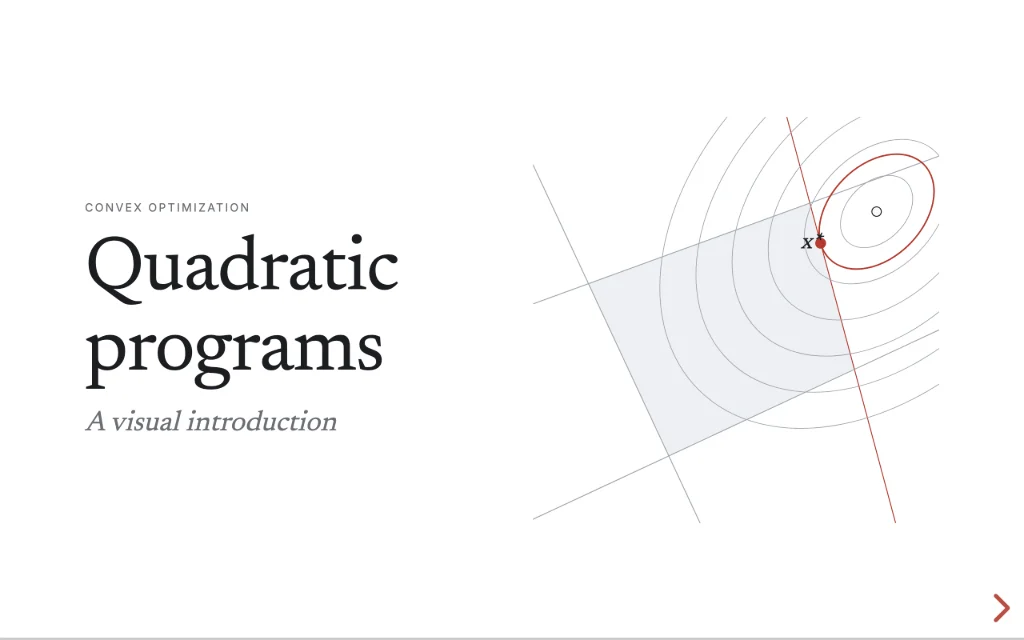 LectureQuadratic programsReact · Reveal.js
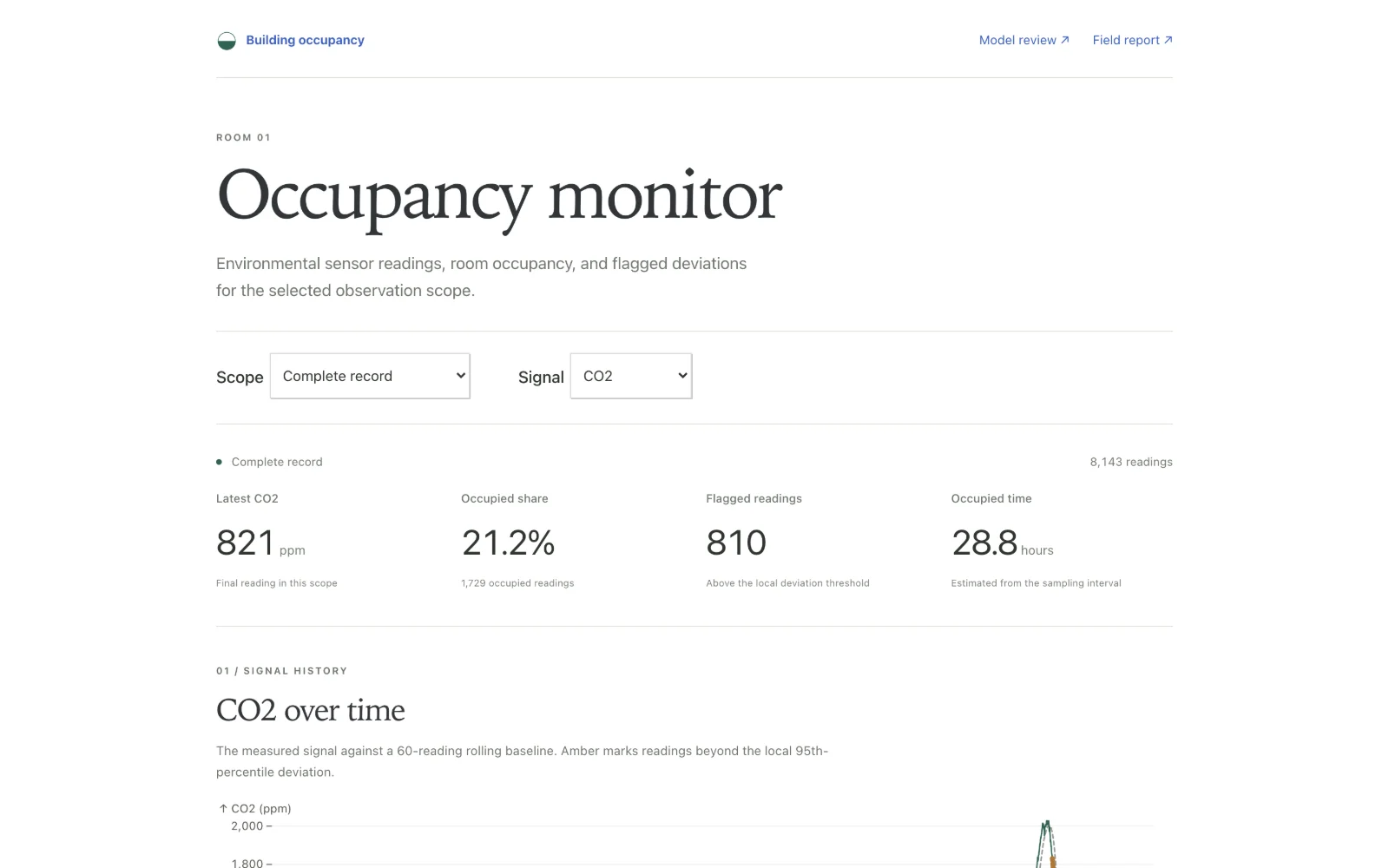
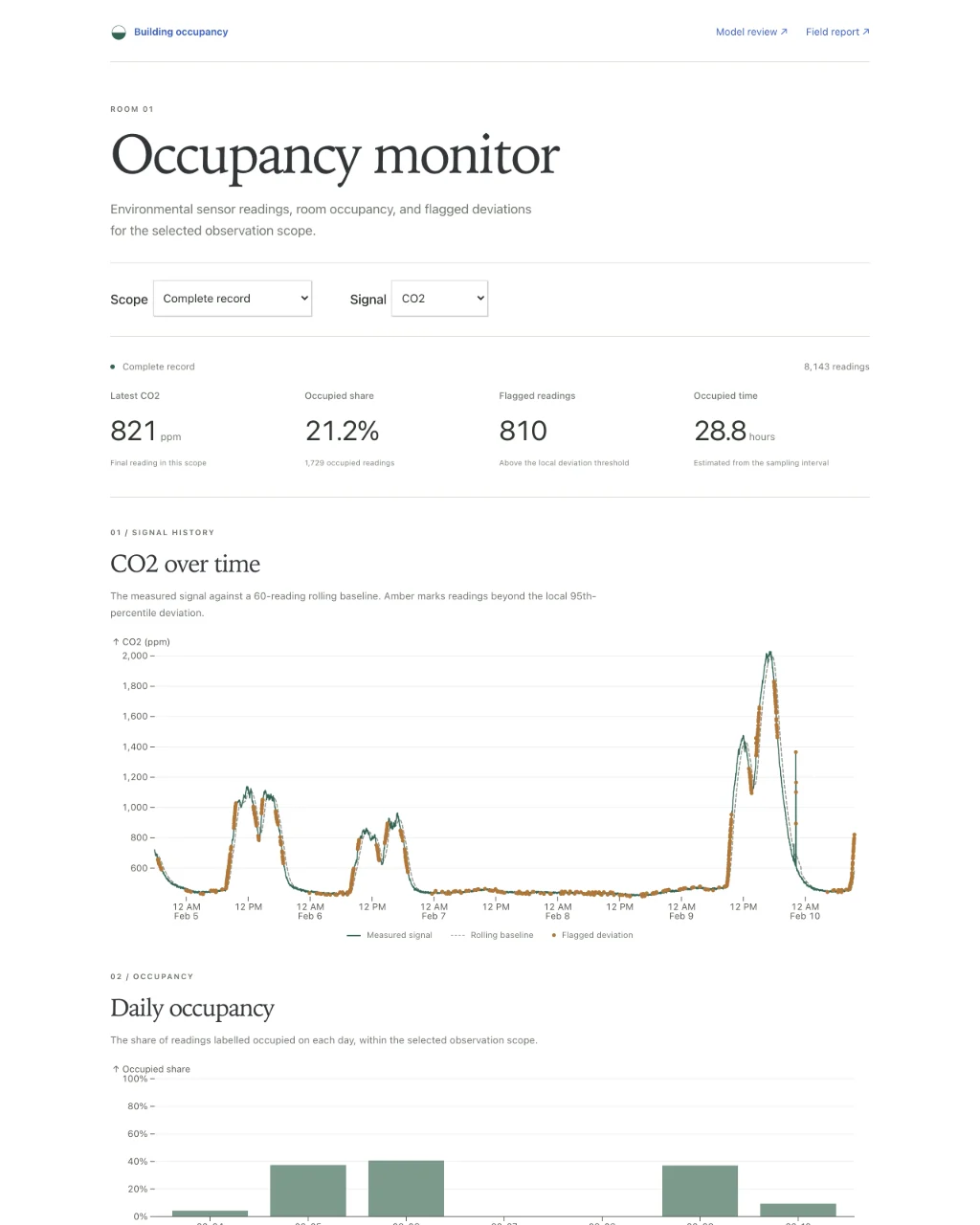 MonitorBuilding occupancyNotebook Kit · Observable Plot
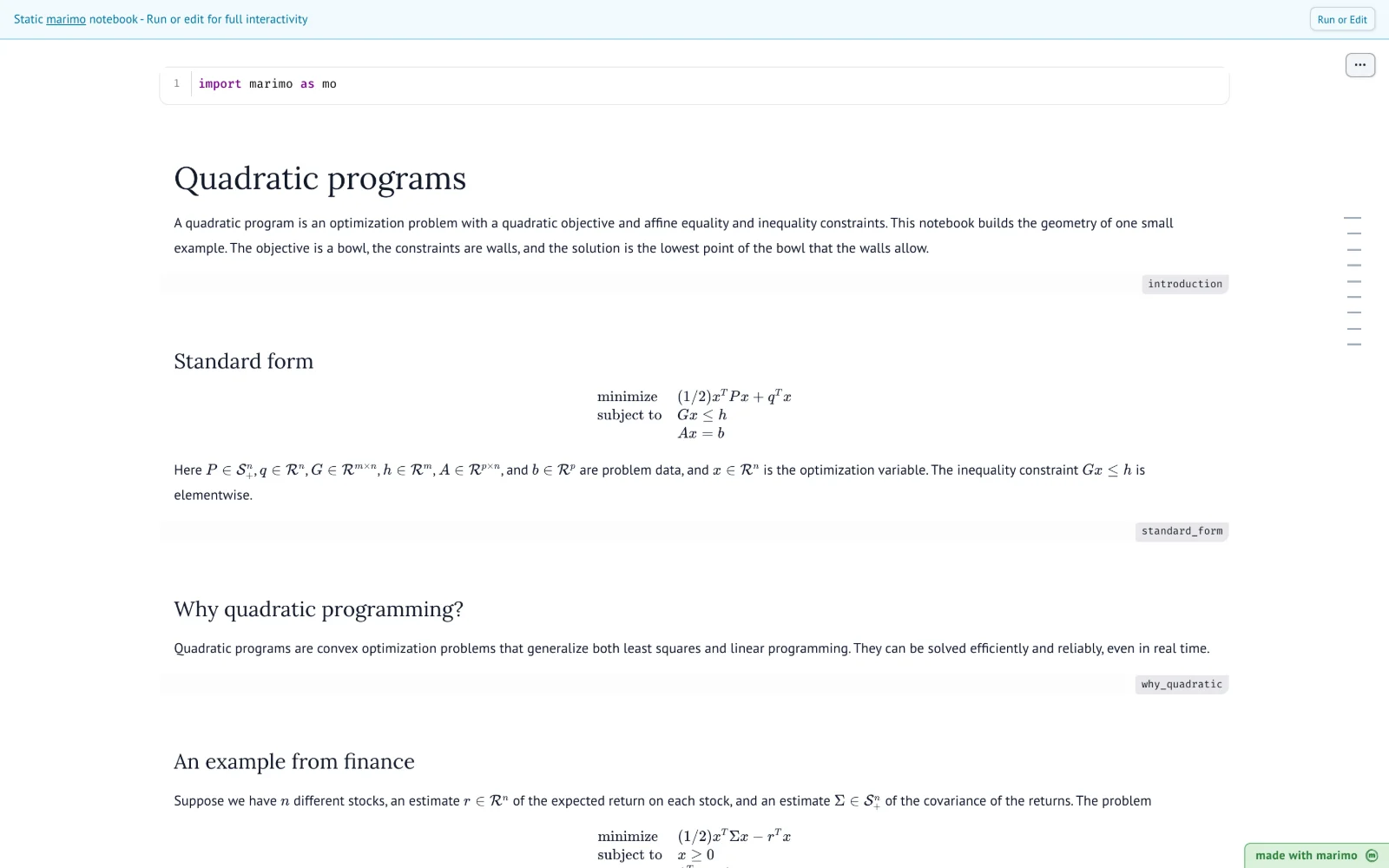
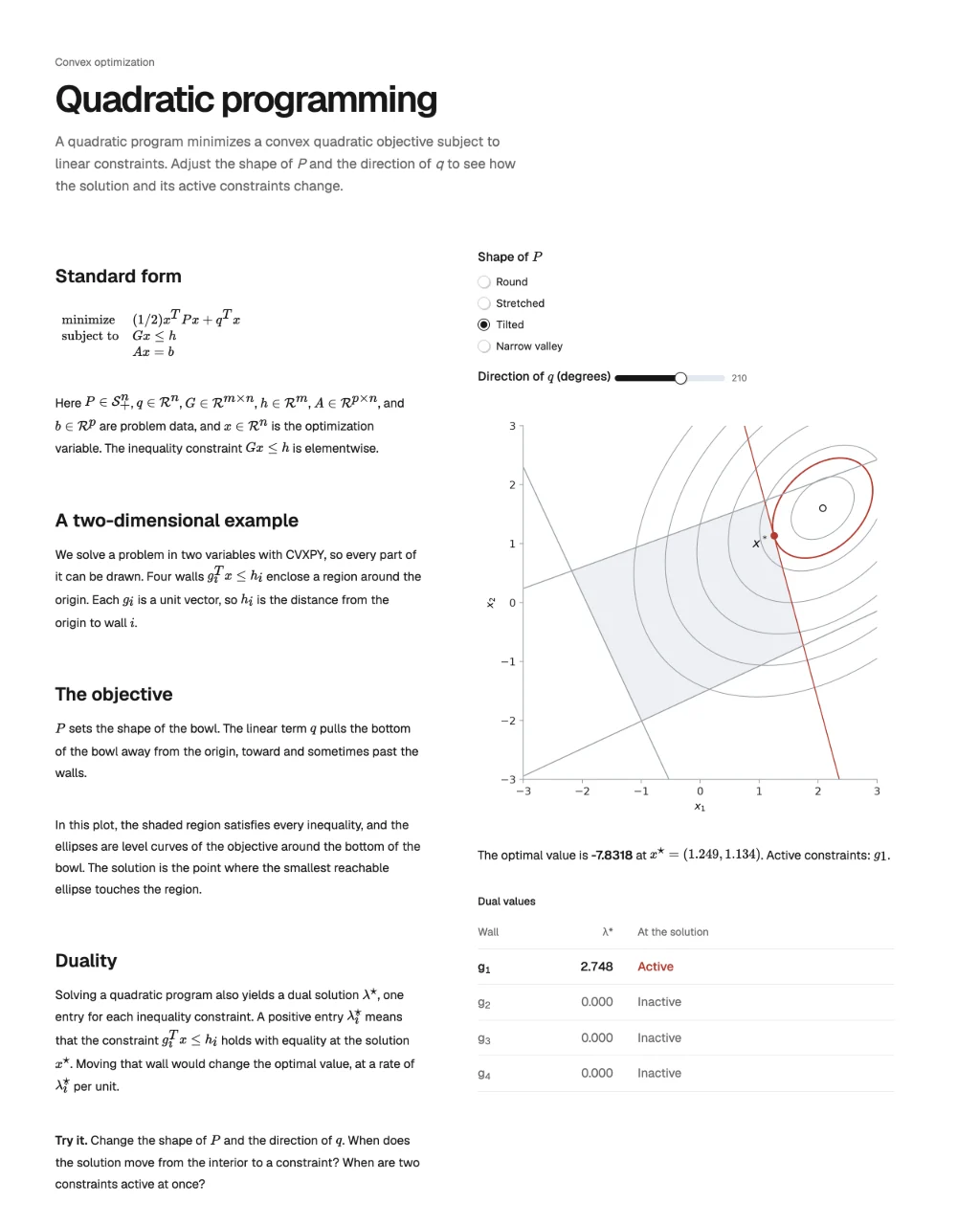 ExplainerQuadratic programsPlain HTML
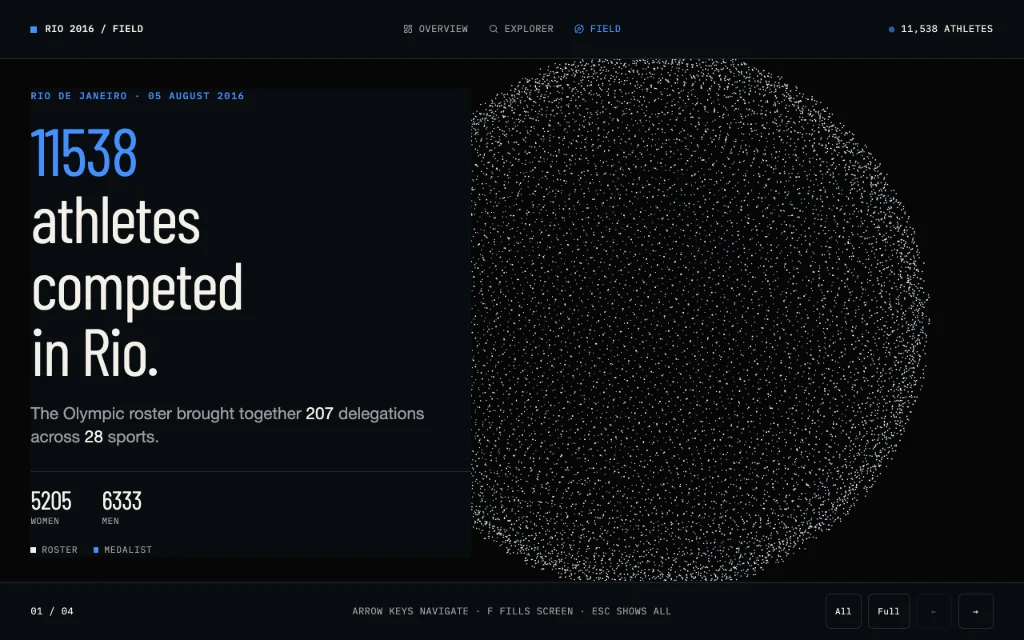 FieldRio 2016 athletesPlain HTML · Shower · Three.js
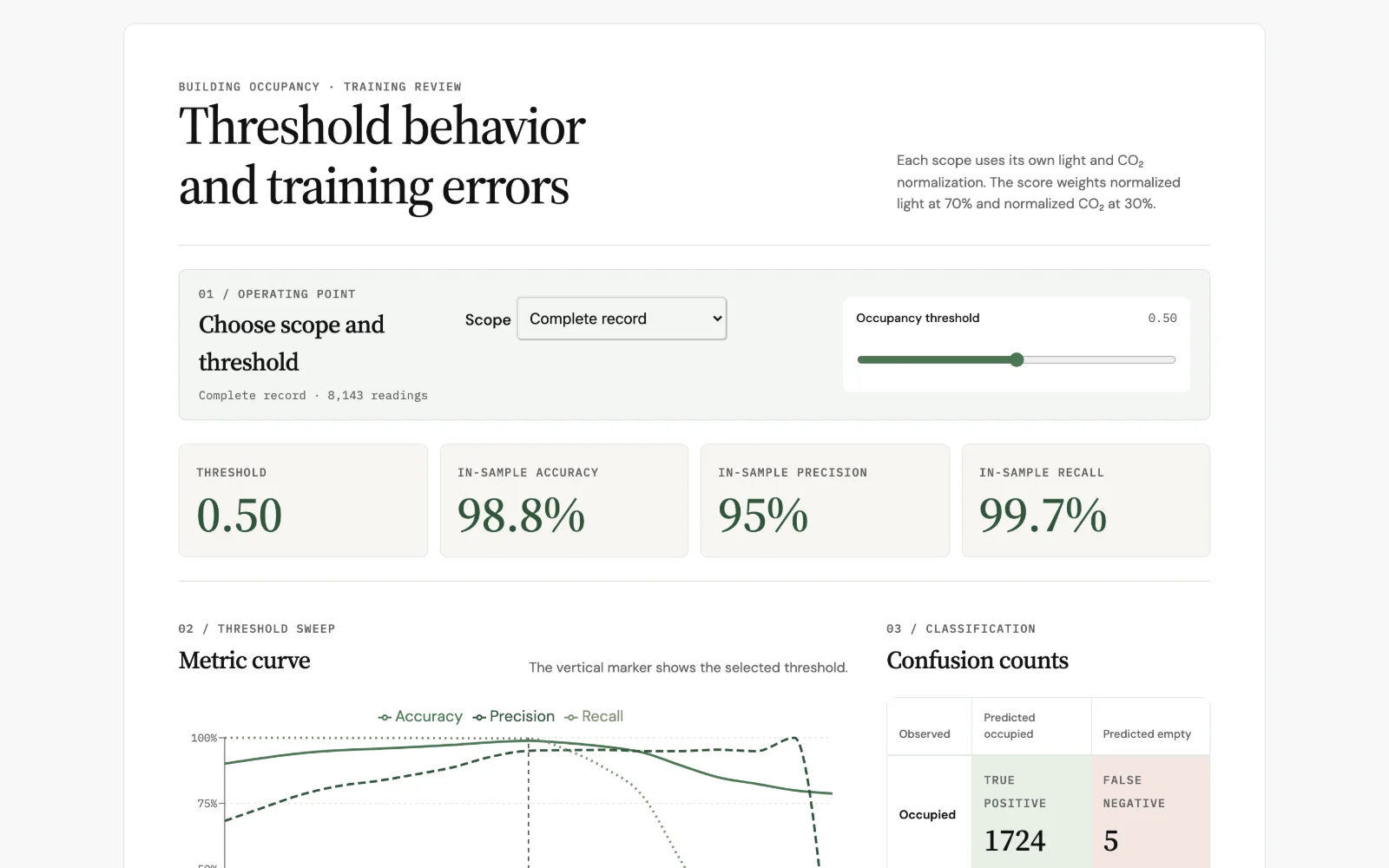
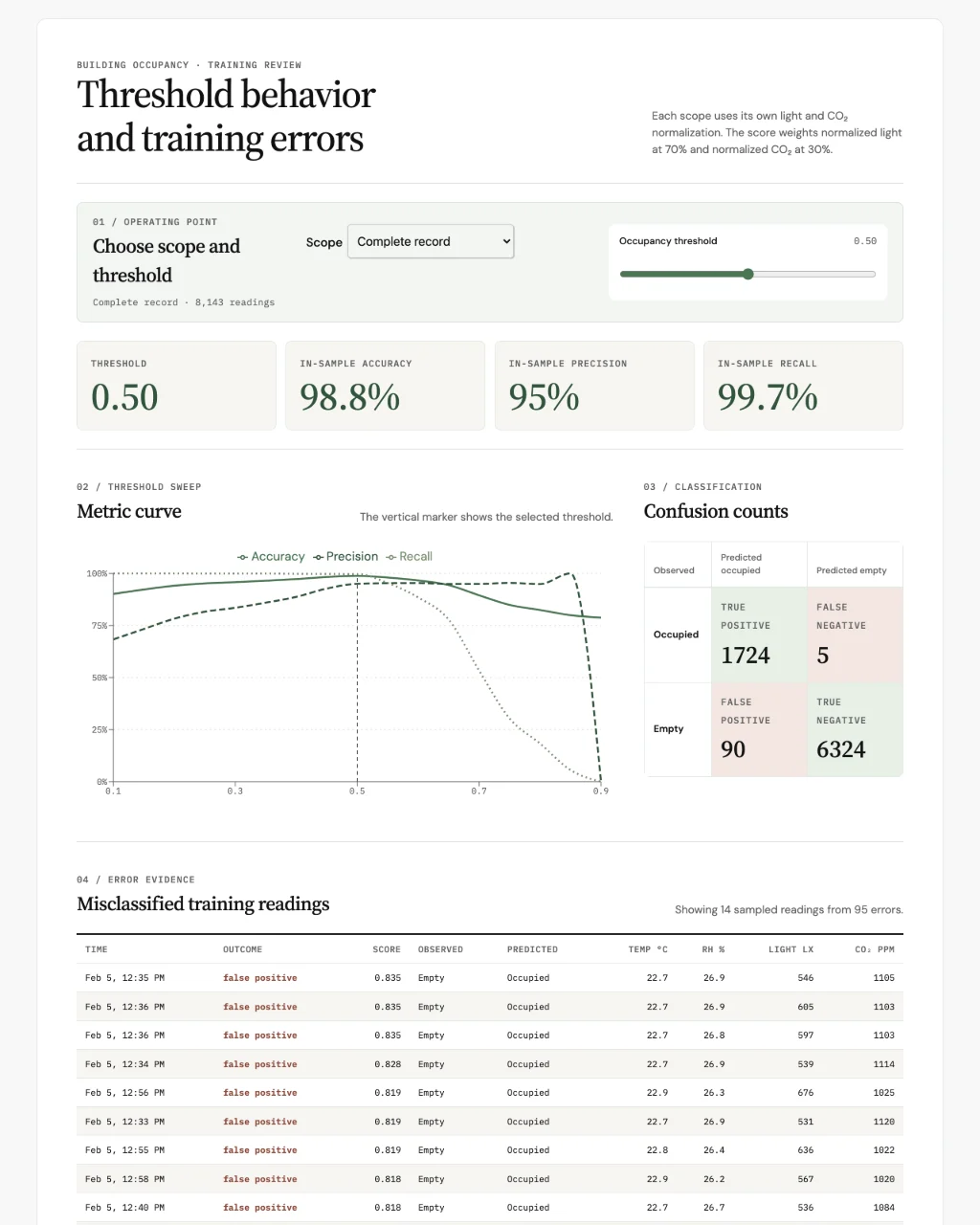 Model reviewBuilding occupancyReact · Recharts
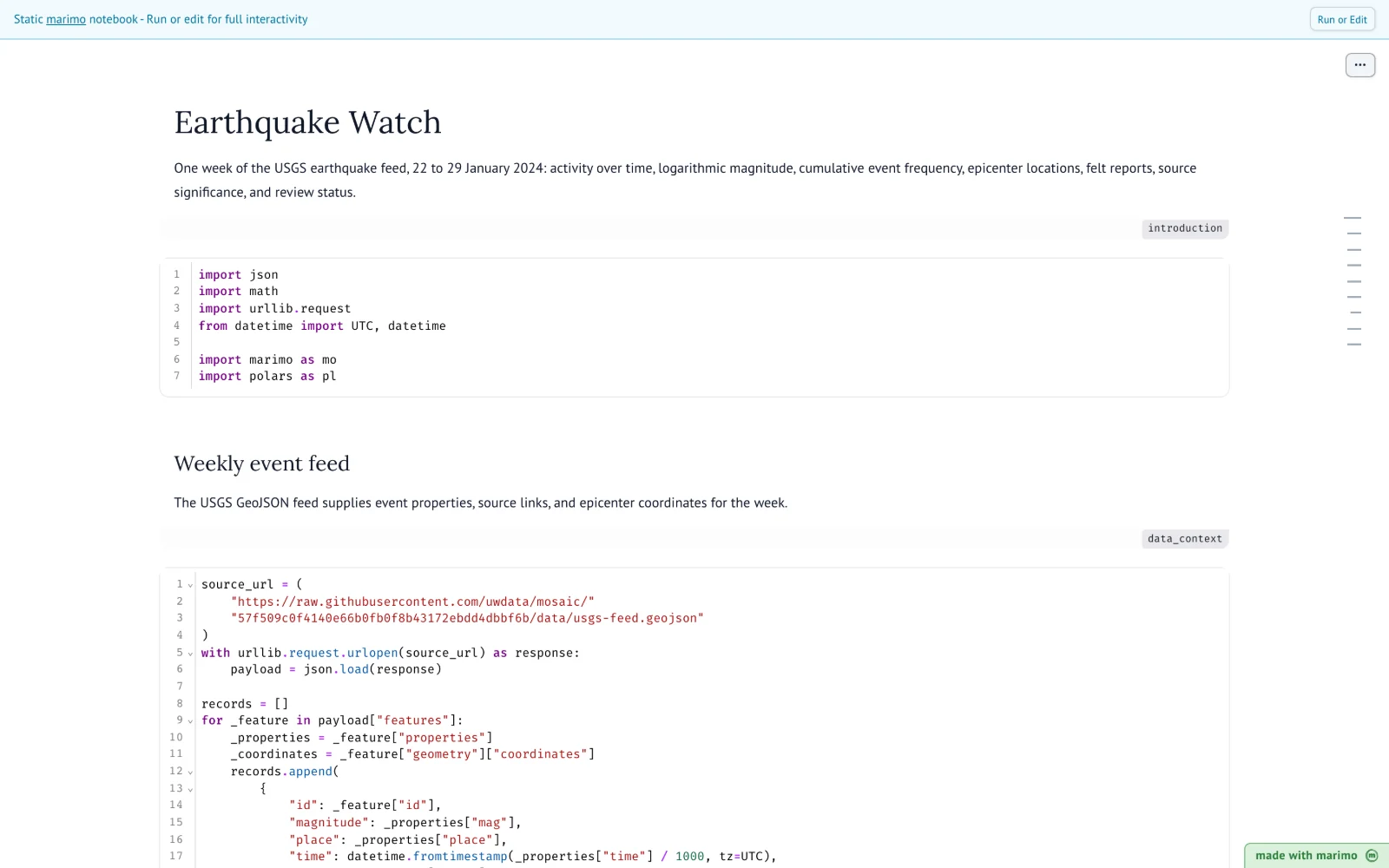
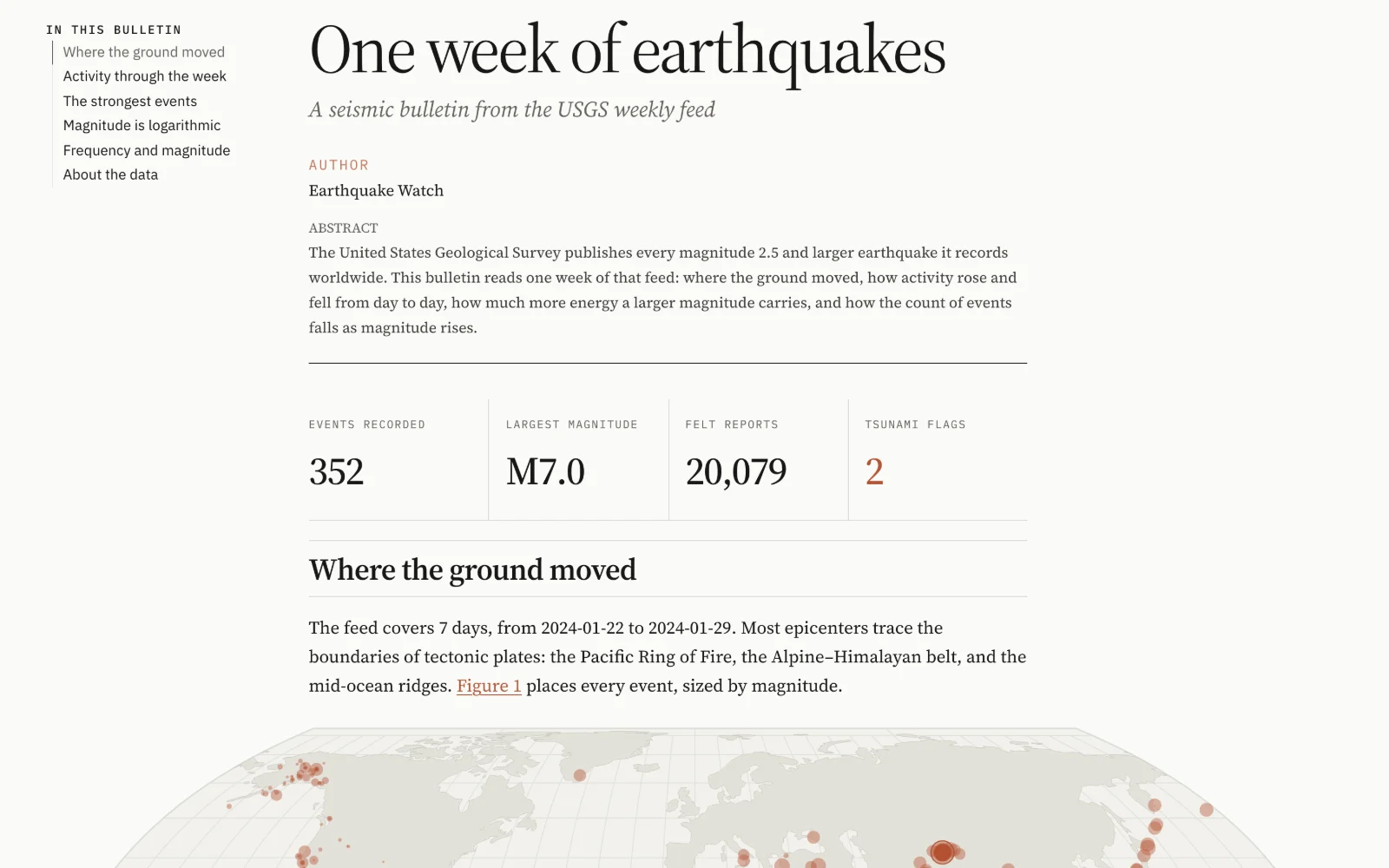
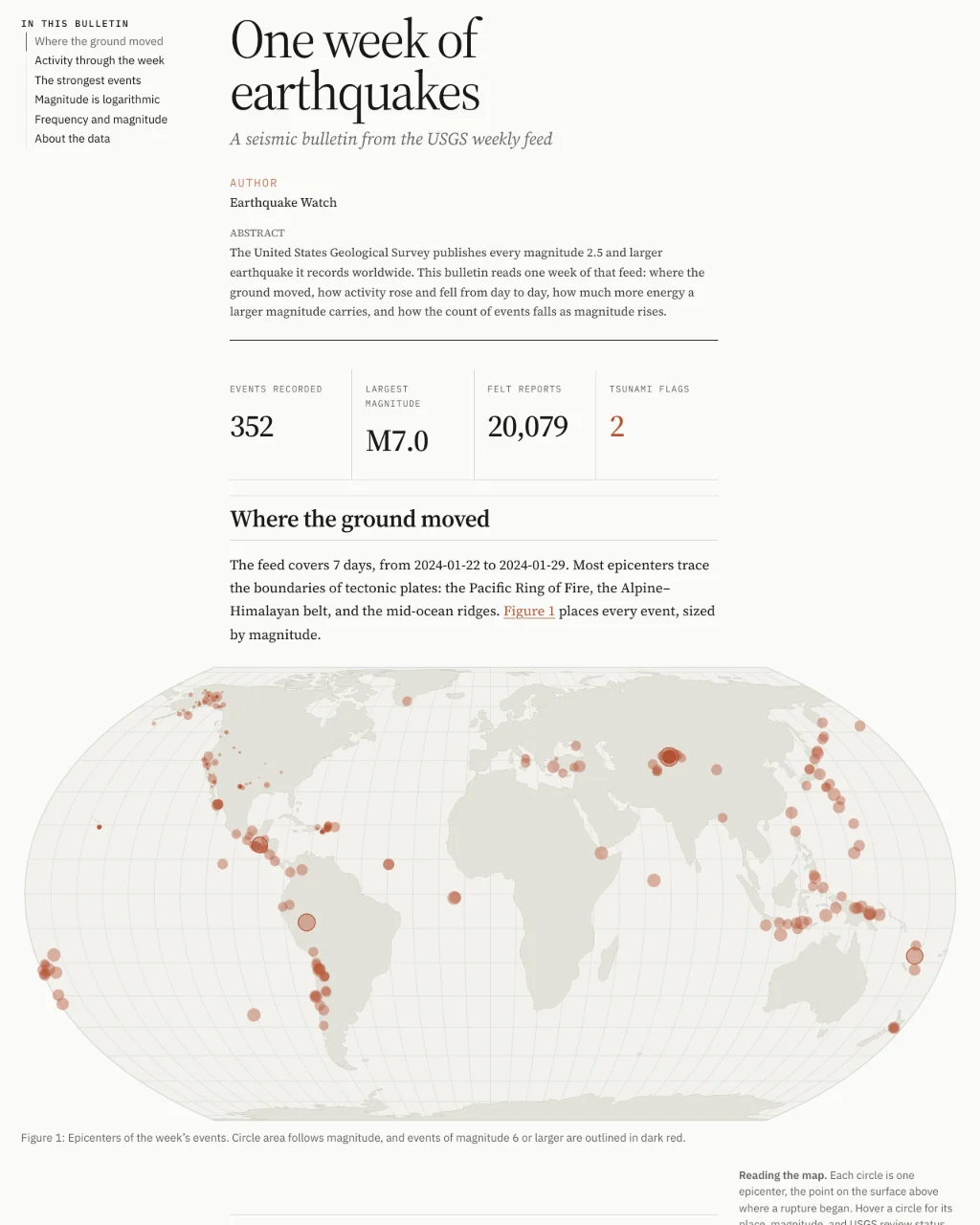 BulletinEarthquake watchQuarto · Observable Plot
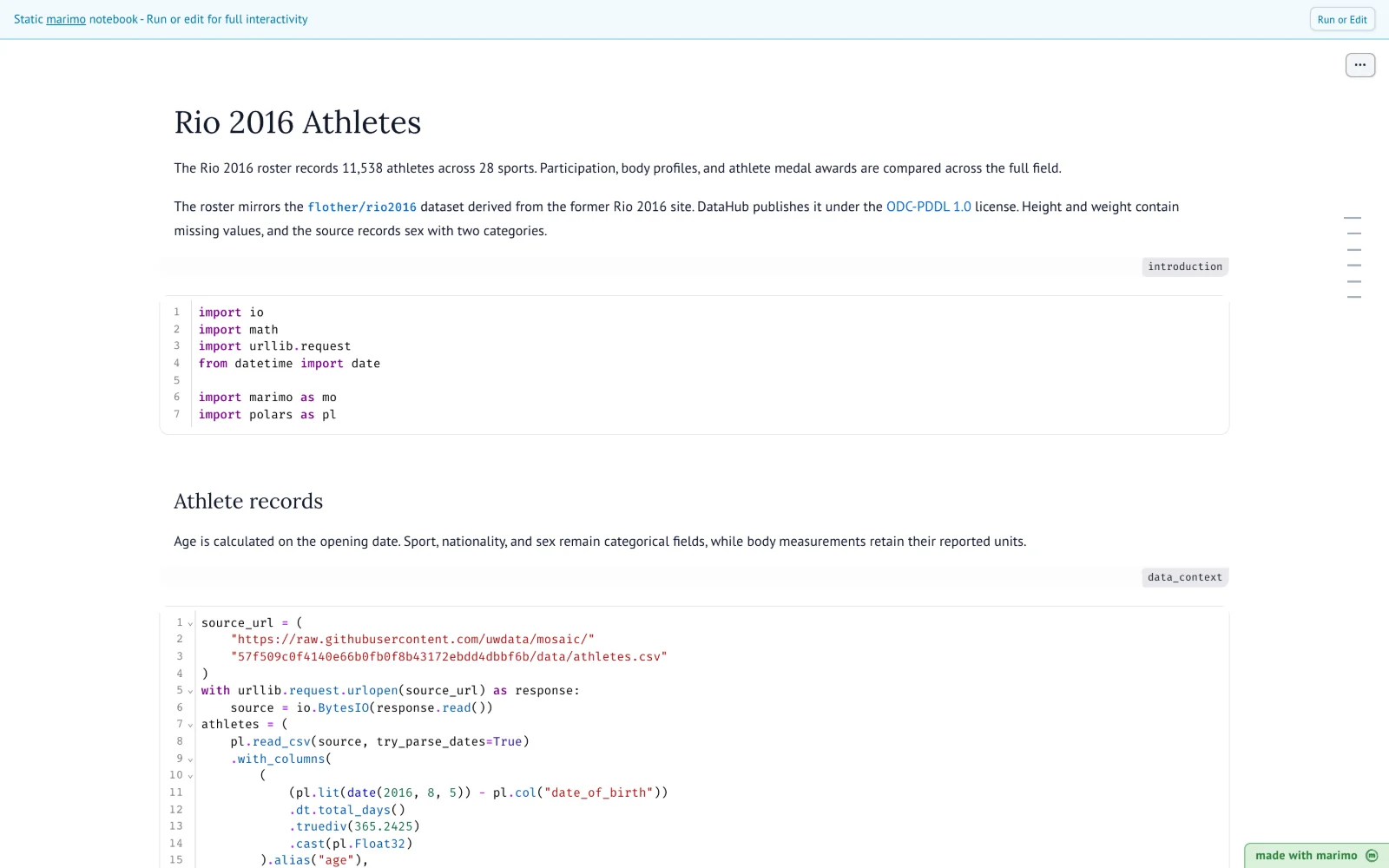
 OverviewRio 2016 athletesPlain HTML
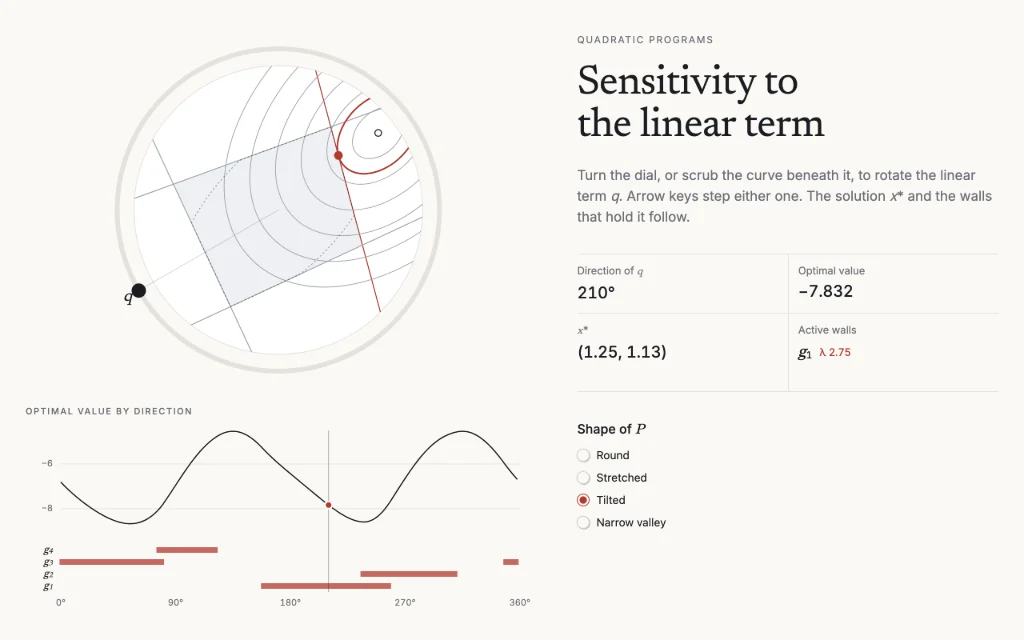 LabQuadratic programsSvelte · D3
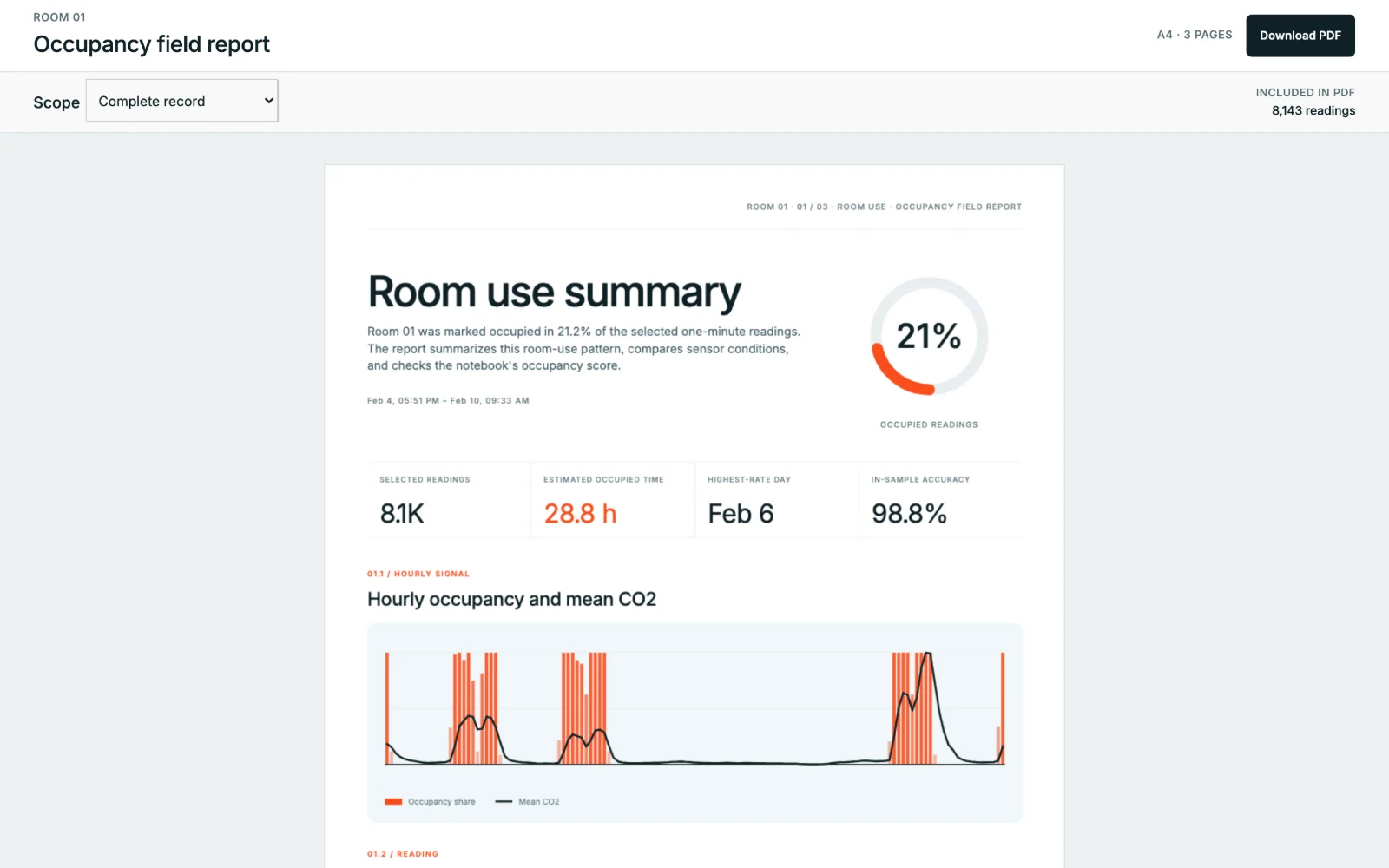
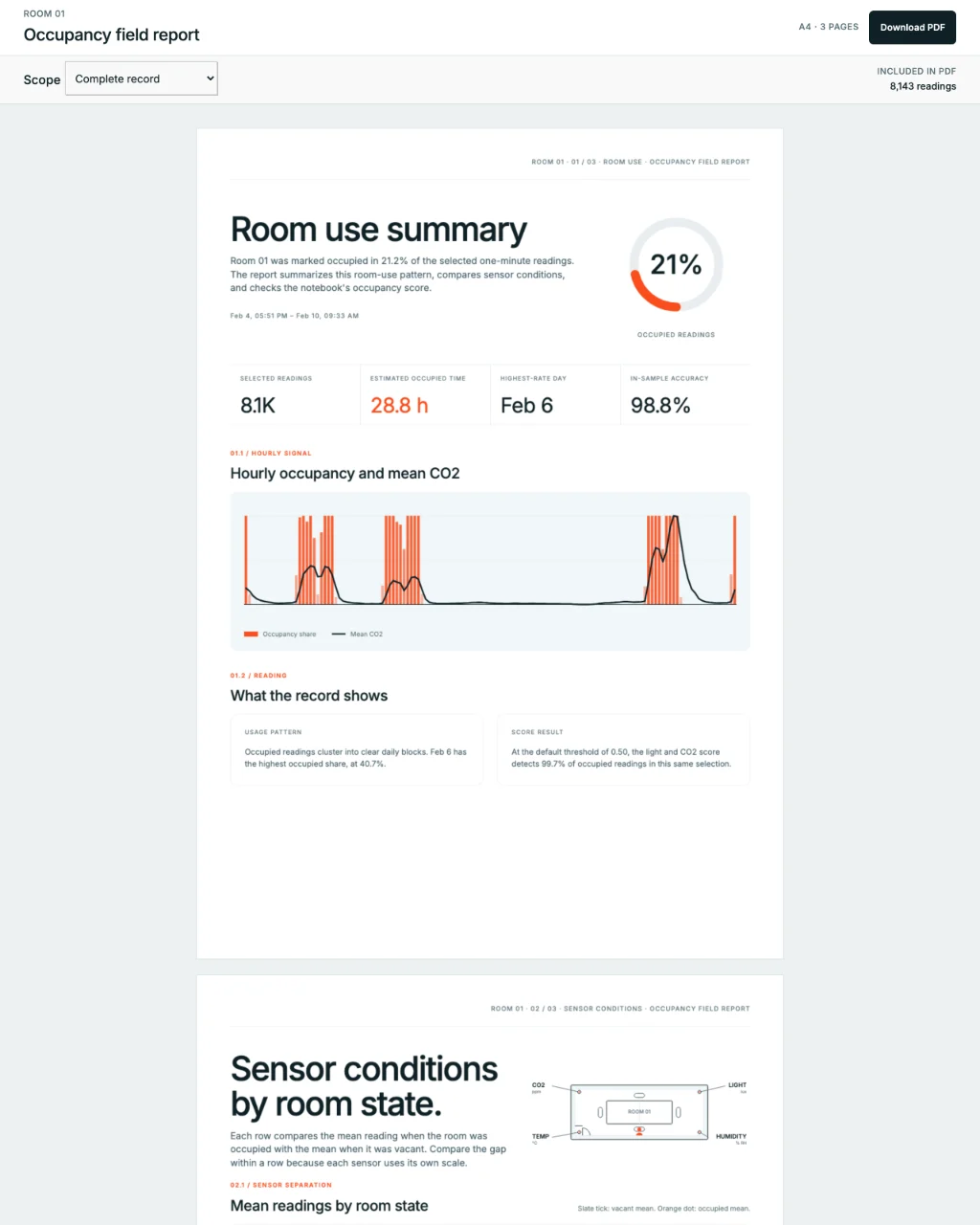 Field reportBuilding occupancyReact · pdfcn
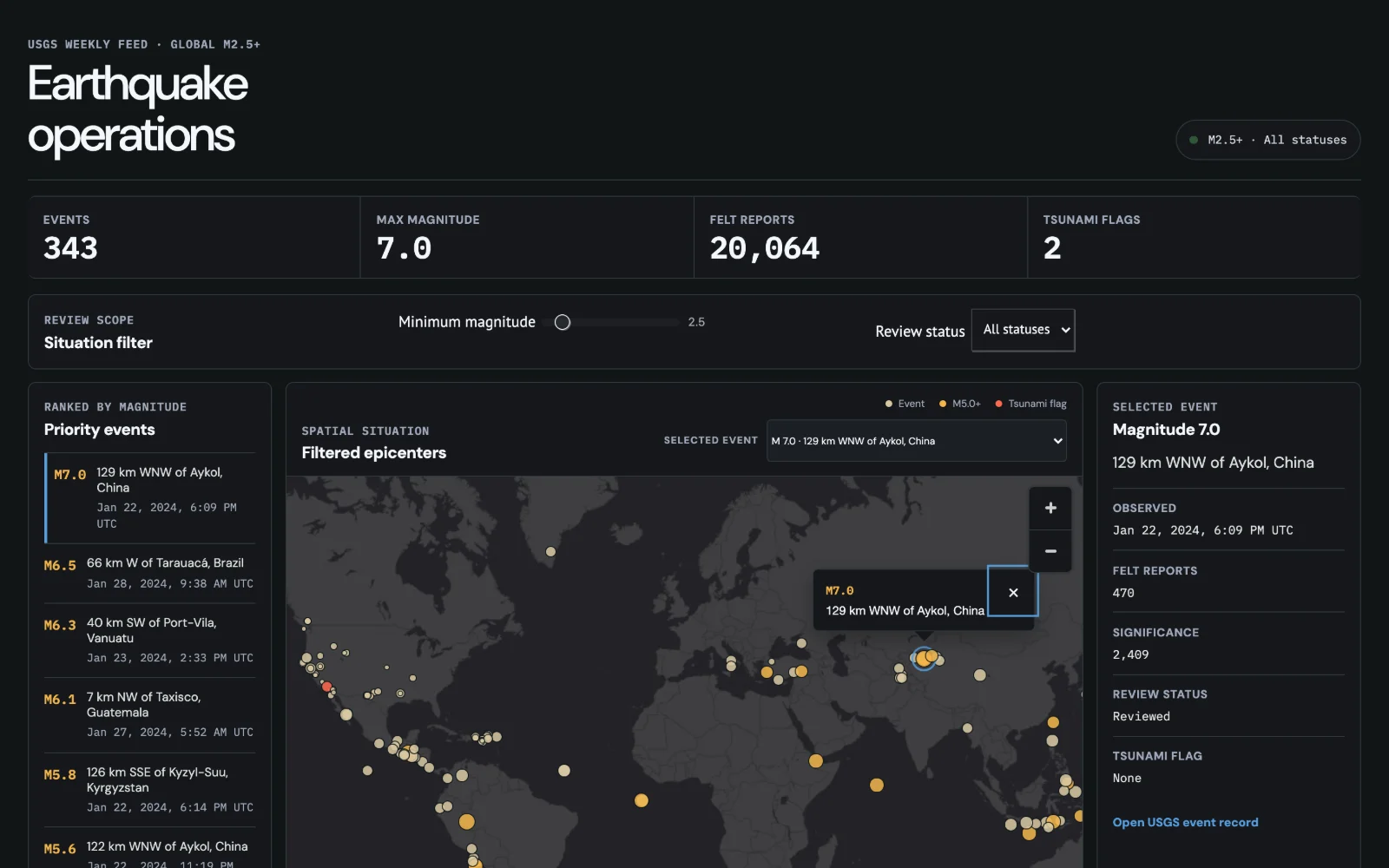
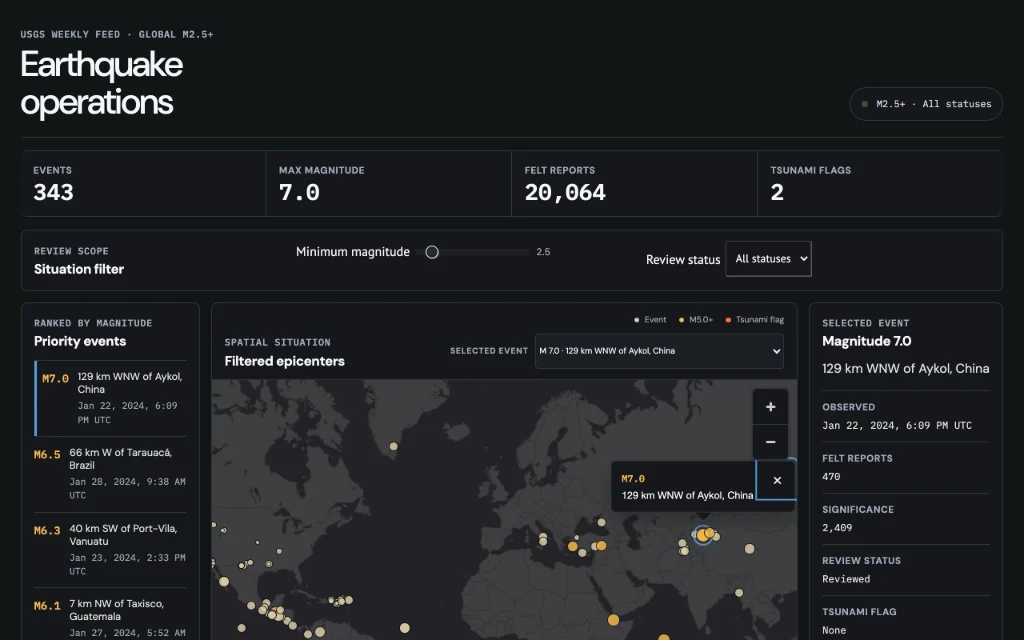 OperationsEarthquake watchReact · MapLibre
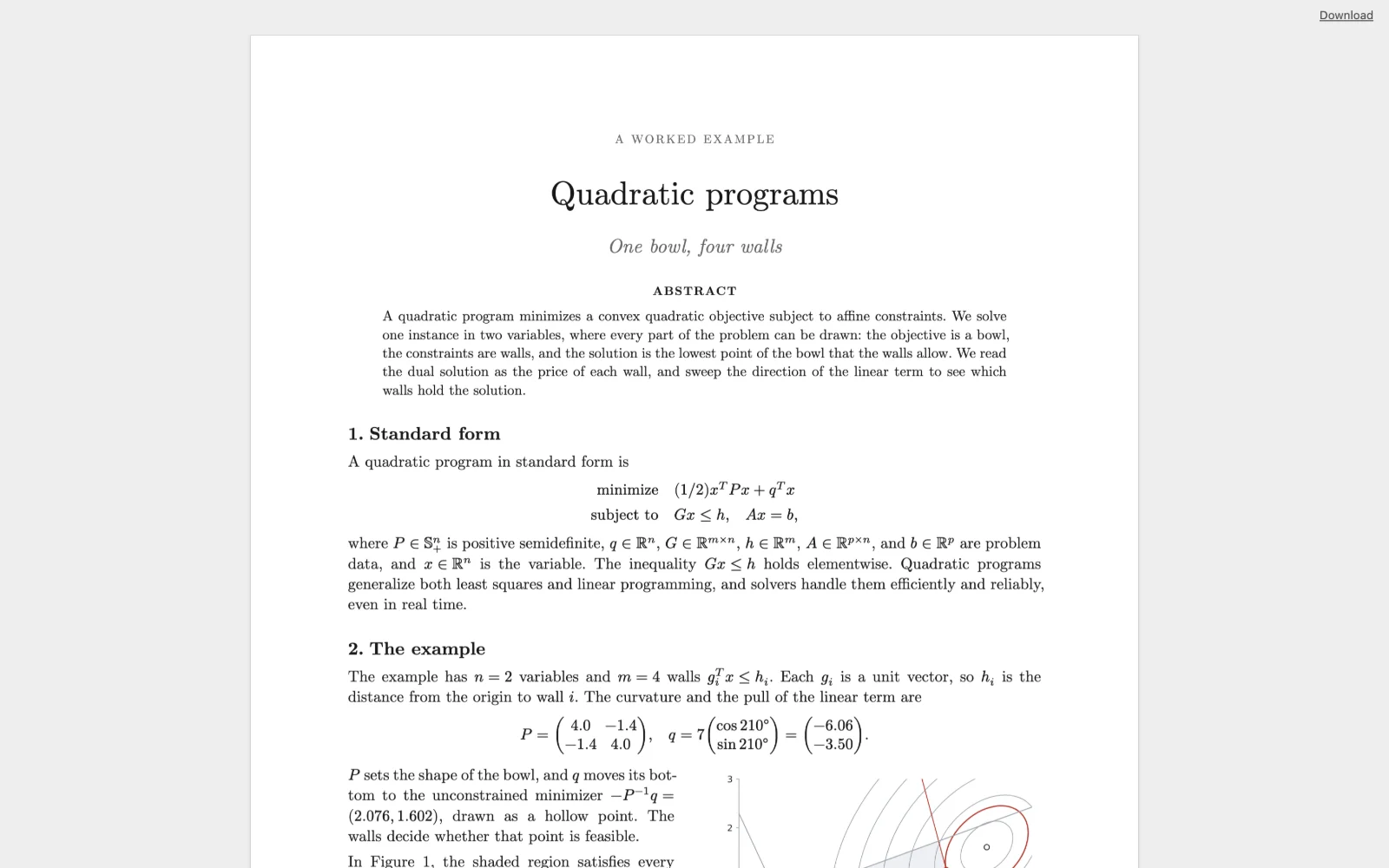
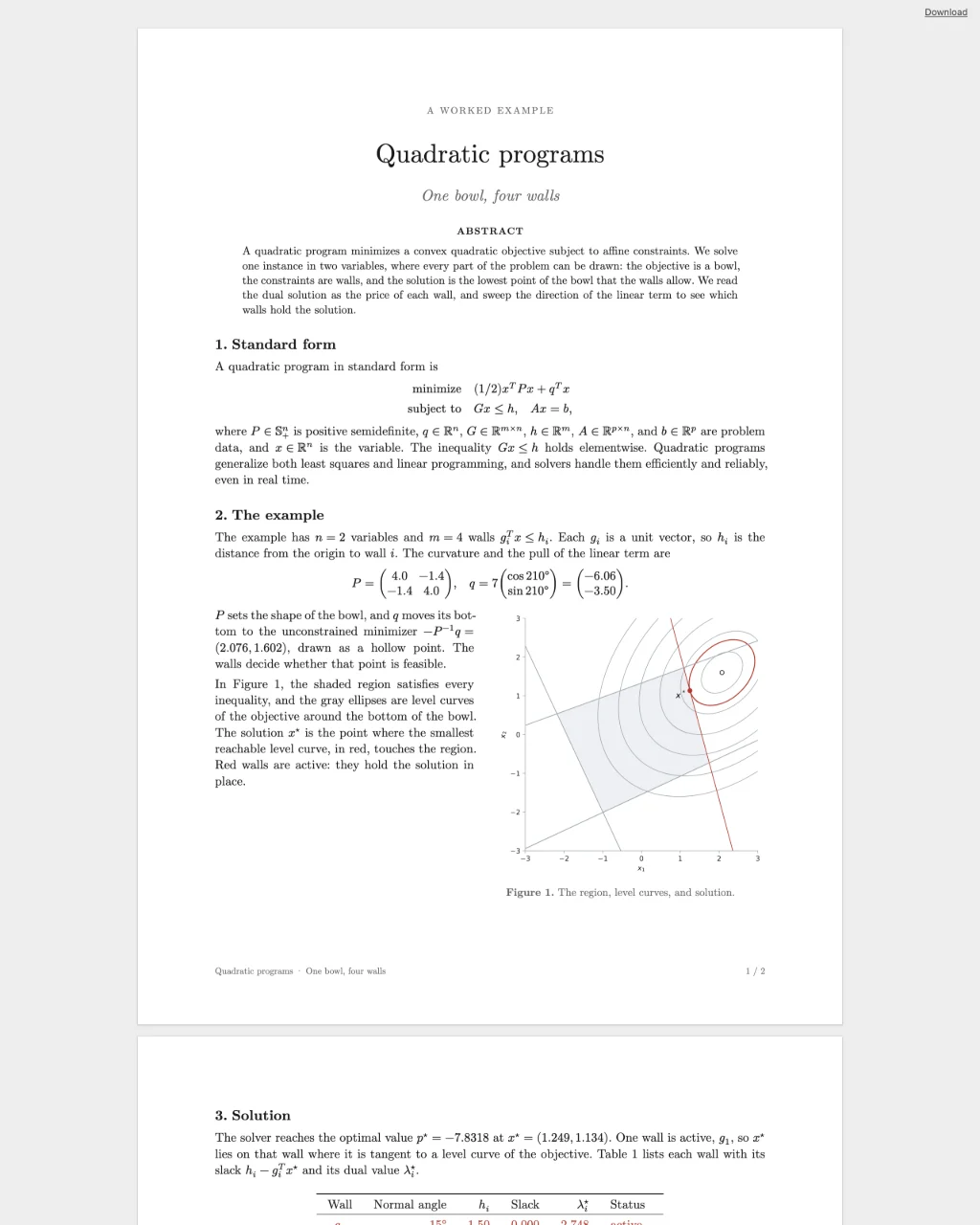 ReportQuadratic programsTypst
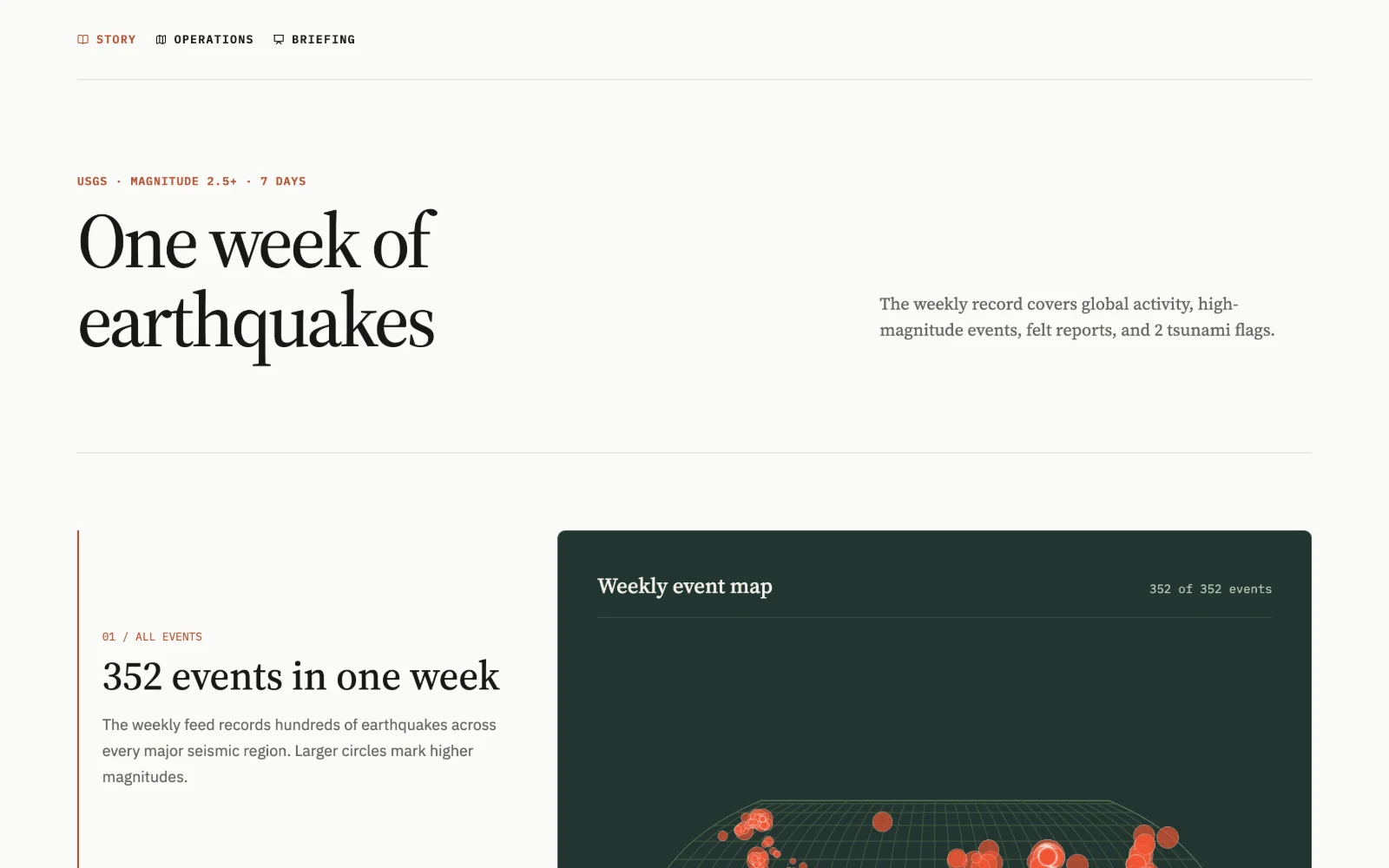
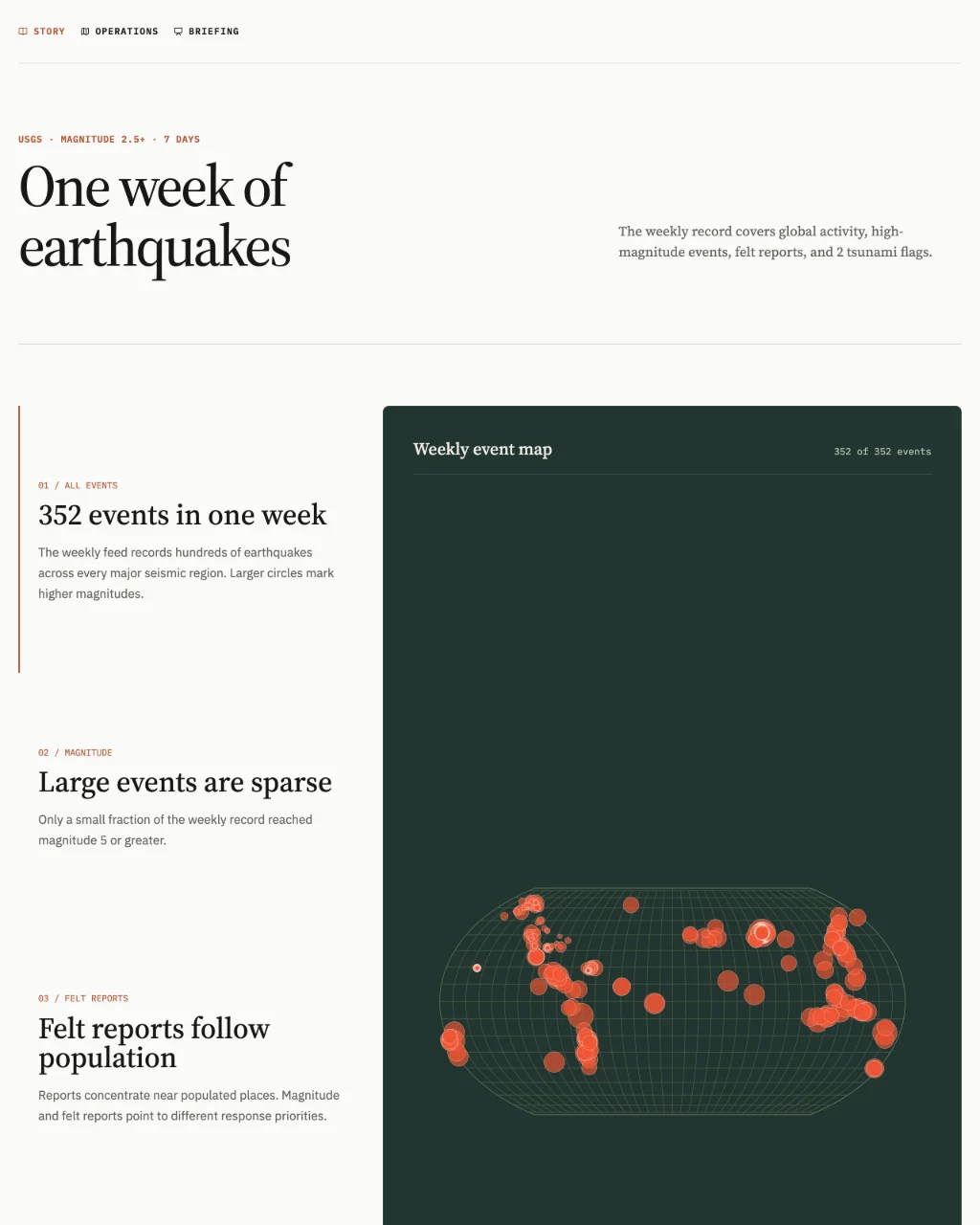 StoryEarthquake watchPlain HTML · Observable Plot
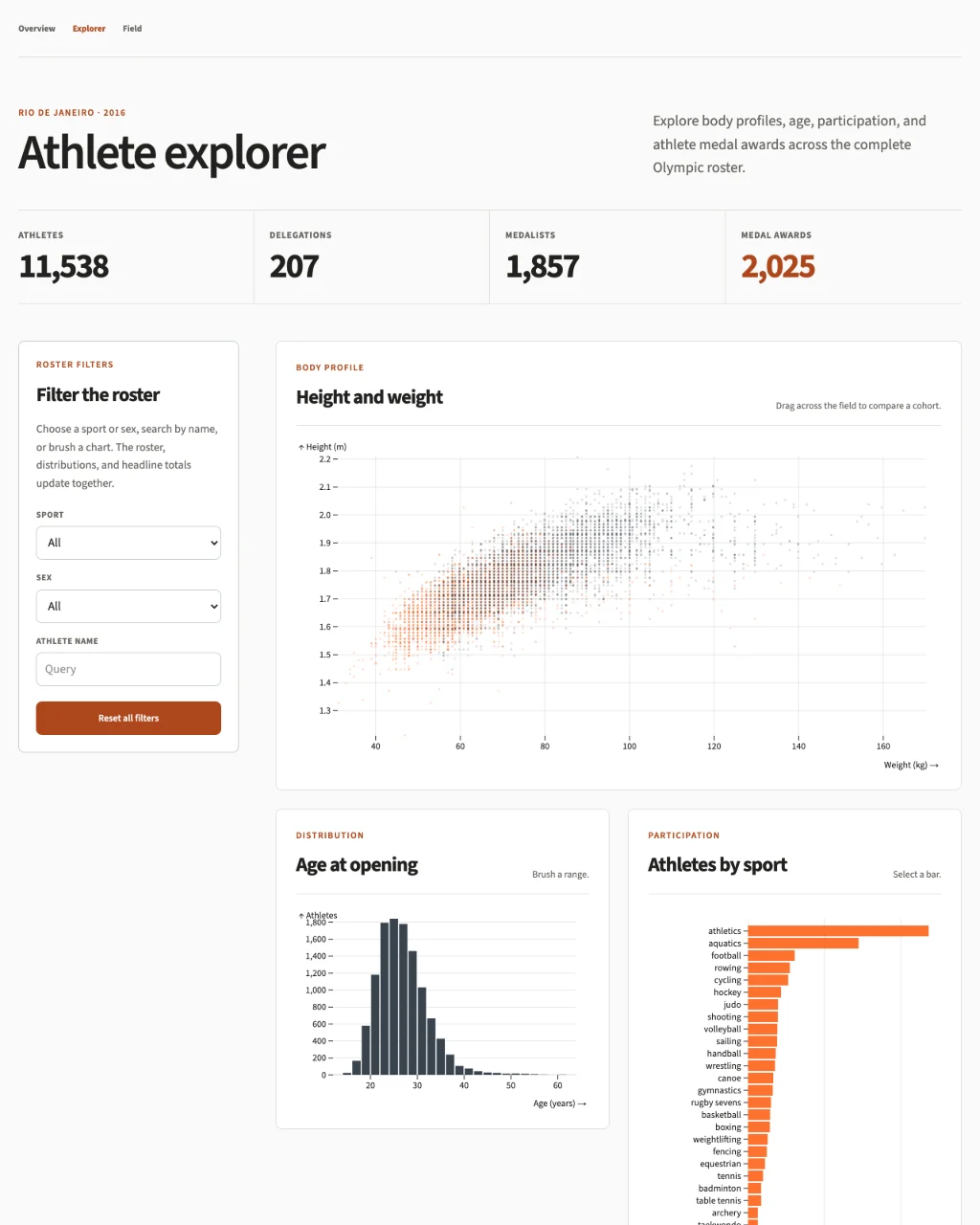 ExplorerRio 2016 athletesSvelte · Mosaic
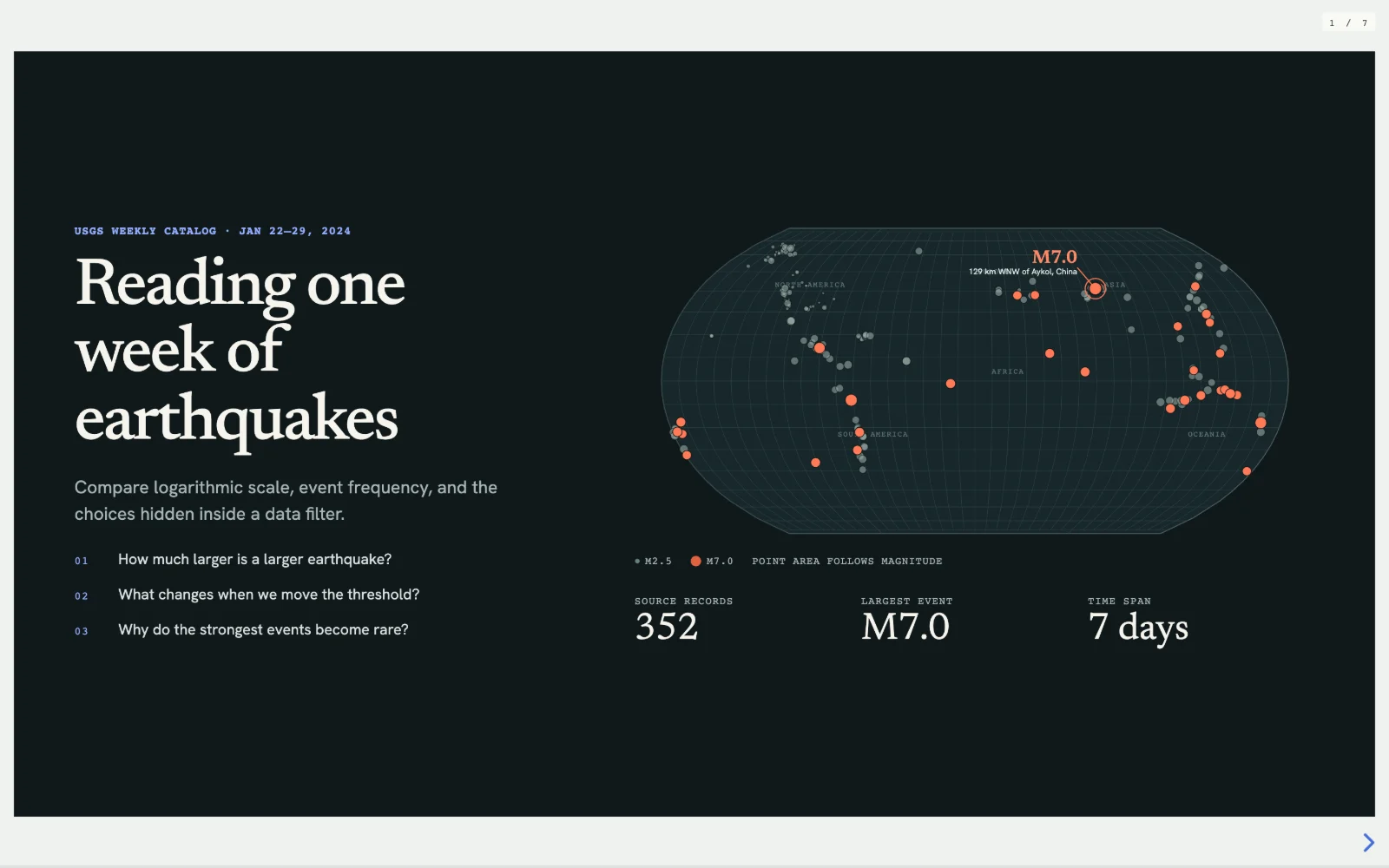
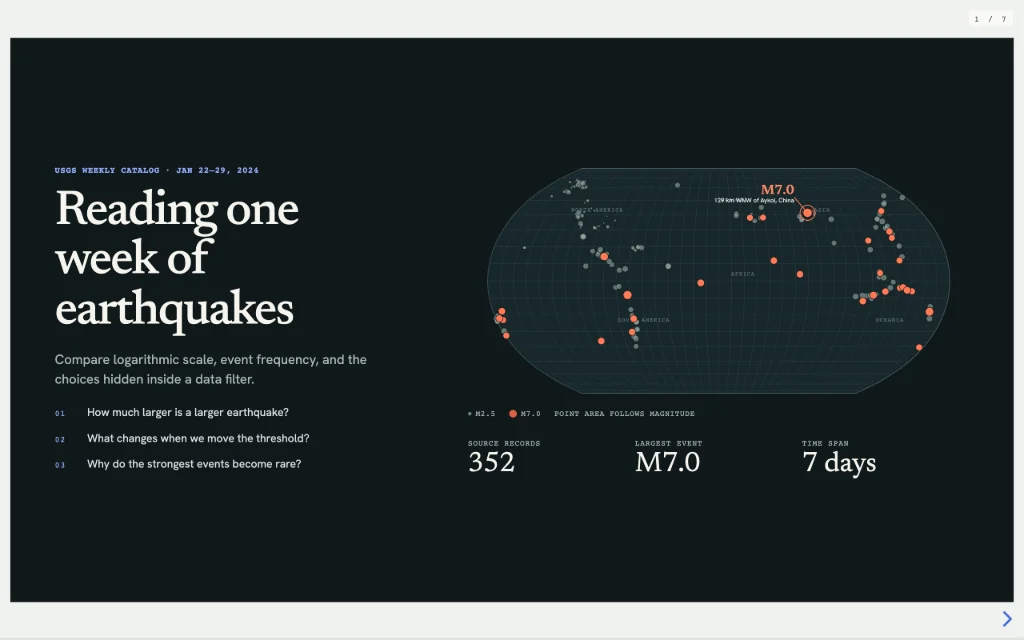 BriefingEarthquake watchReact · Reveal.js · D3
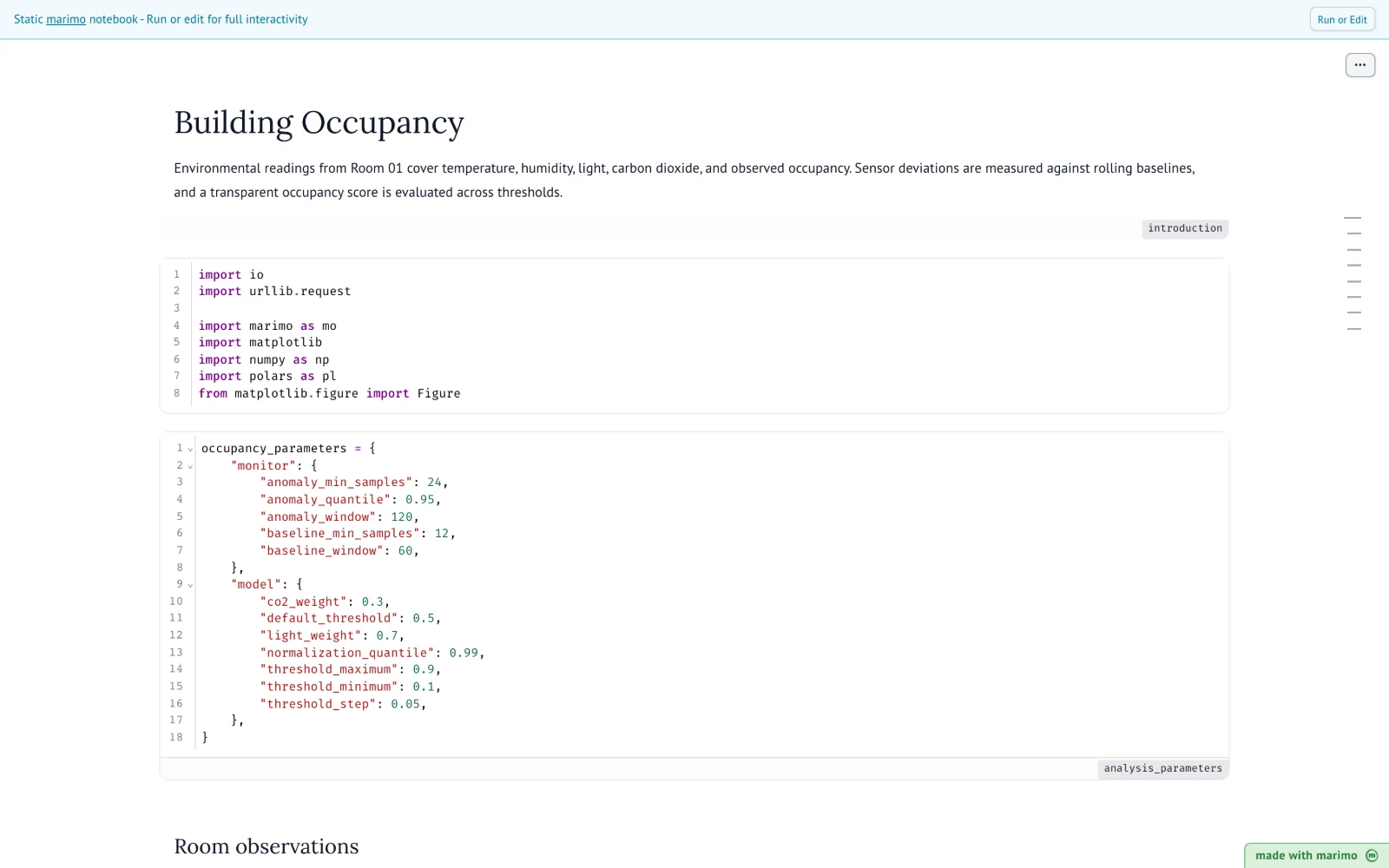
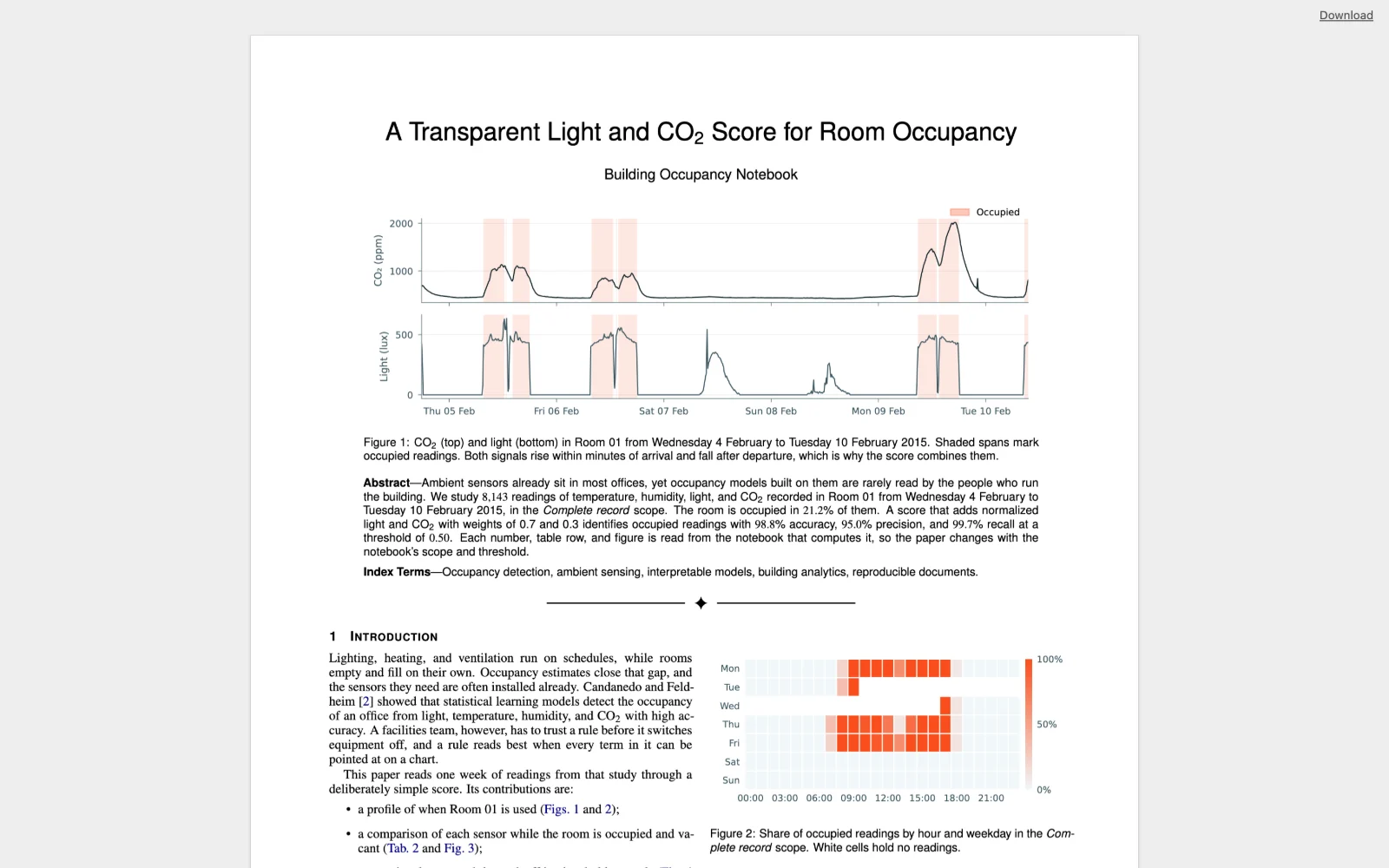
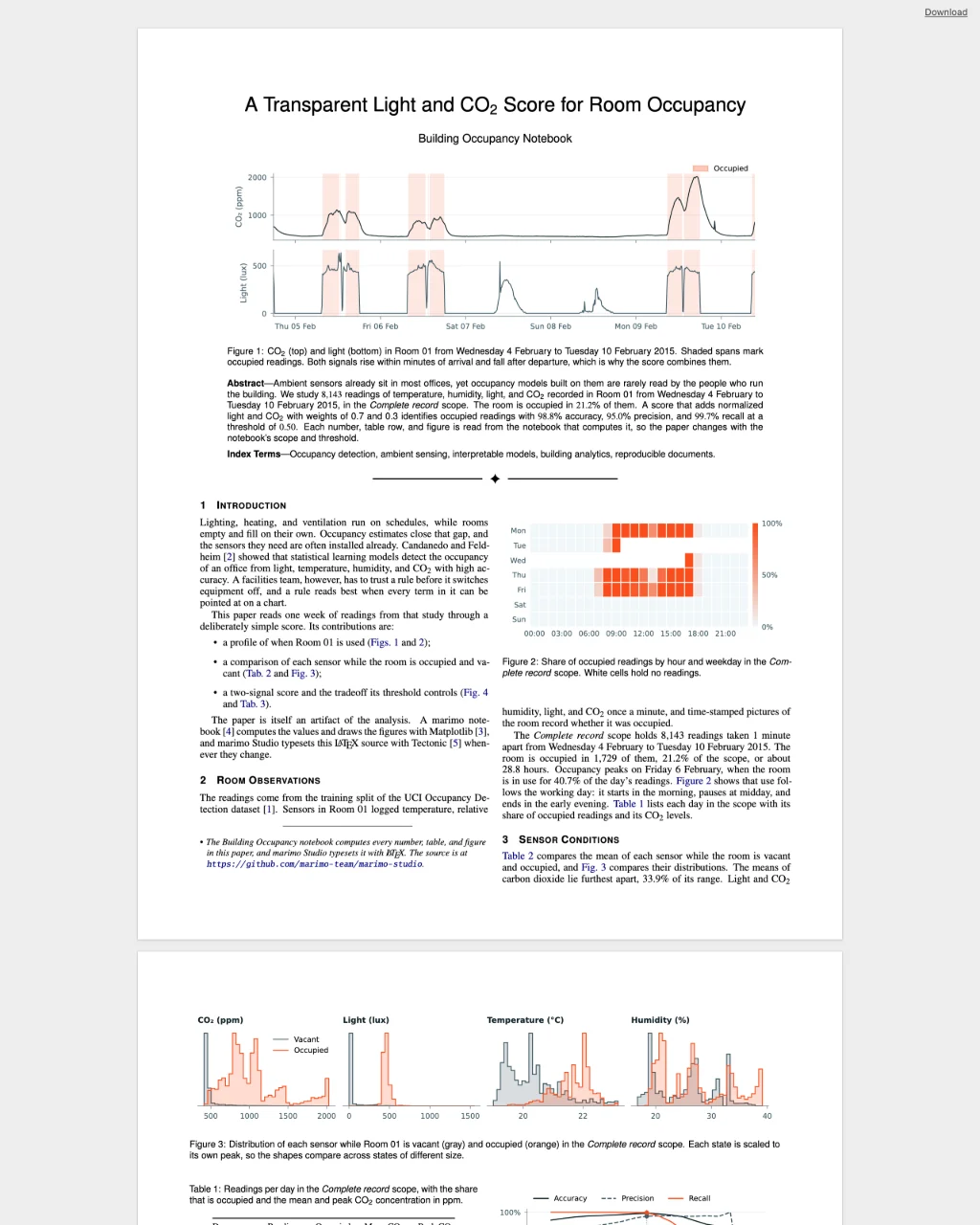 Journal paperBuilding occupancyLaTeX · Tectonic
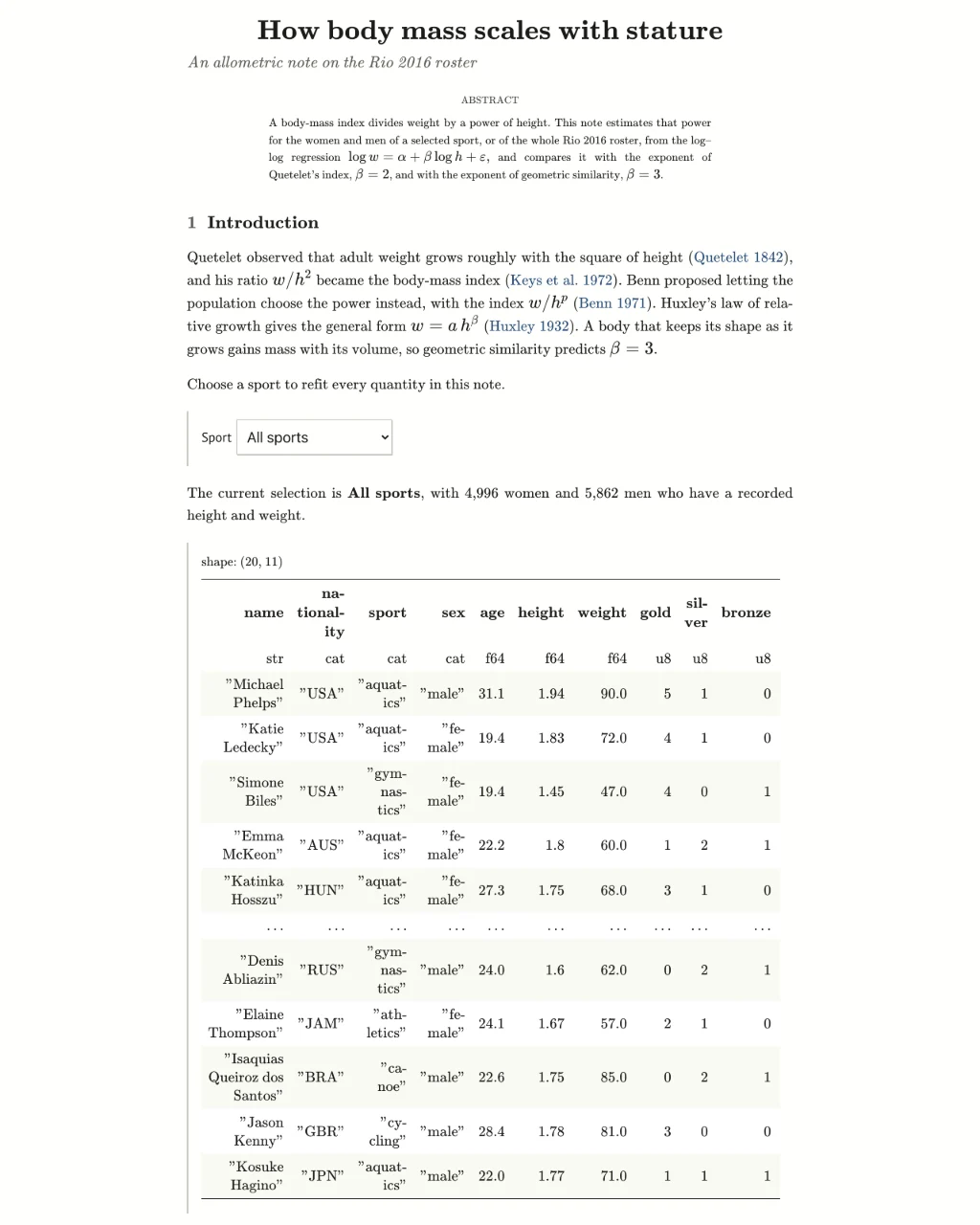 PaperRio 2016 athletesQuarto · KaTeX
Browse the examples or run one locally.
Paste this request into a terminal agent such as Claude Code or Codex:
Run `uvx --with marimo-studio agent-plugins read marimo-studio` and create
a scrollytelling report and a slide deck explaining calculus basics.
The agent reads the instructions that ship with the marimo-studio package. It starts a notebook with Studio, writes the calculus in Python cells, then builds both views and shows them beside the notebook. Author with a coding agent has more requests to try, and Getting started walks you through building a view by hand.